7
KEYBOARD
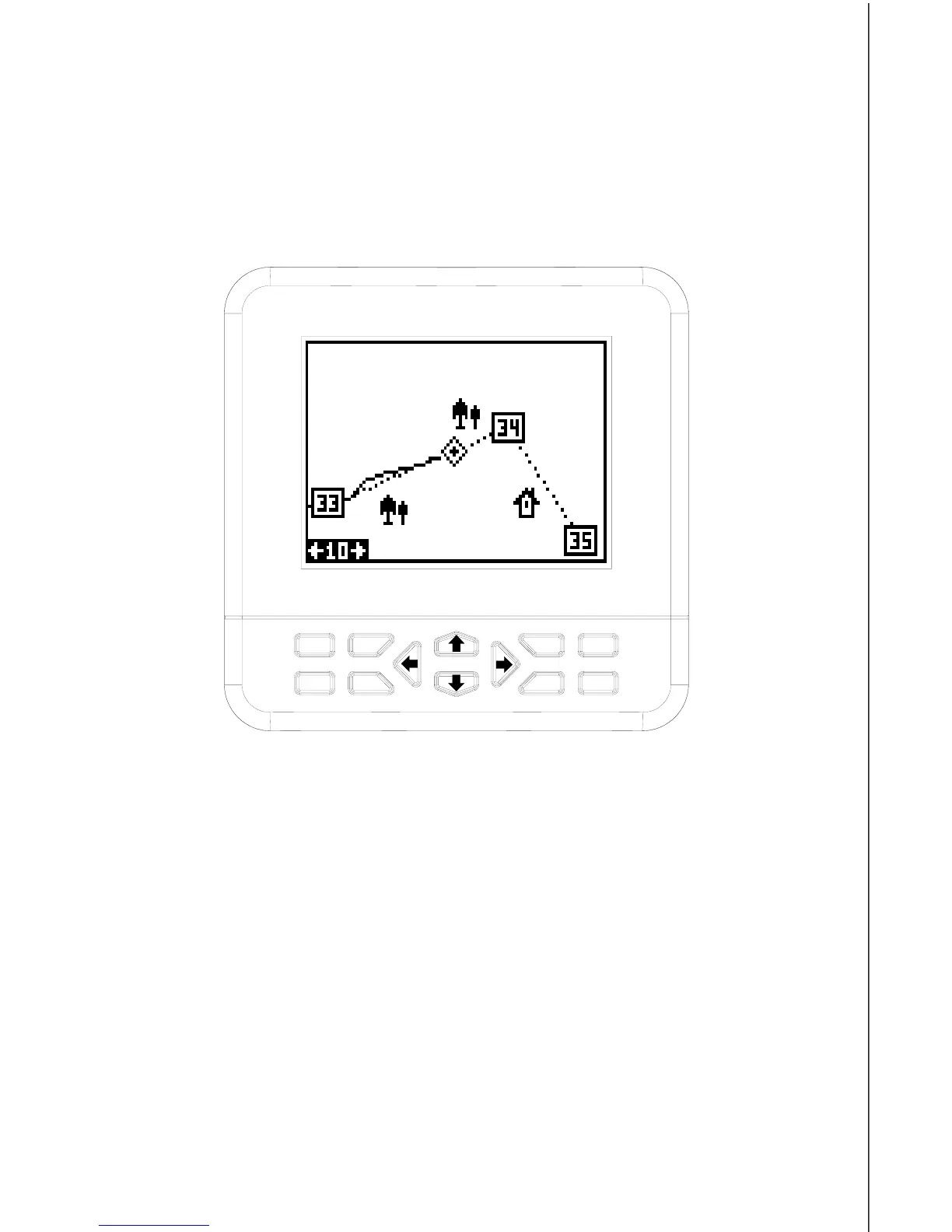
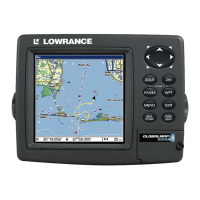
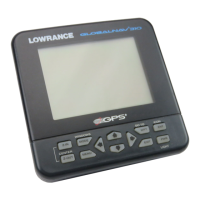
The keyboard has twelve keys. The arrow keys are tied to most of the
features, letting you easily move the plotter’s cursor, navigate through
the menus, make selections from menus, and other tasks.
The WPT key lets you create, save, and recall waypoints and routes. The
MODE key switches the unit between the three major displays: windows,
navigation, and plotter. To select different features, or to modify func-
tions, press the MENU key. The Z-IN and Z-OUT keys zoom-in and zoom-
out your view on the plotter screen. The ENT and EXIT keys let you enter
or erase selections. The PWR key turns the GlobalNav 310 on and off.
Note: To prevent an accidental power shutdown, you must hold the PWR
key down for a few seconds in order to turn the unit off.
Z-IN
Z-OUT
MODE
MENU
WPT
EXIT
ENT
PWR









 To Next Page