49
RESET GROUPS
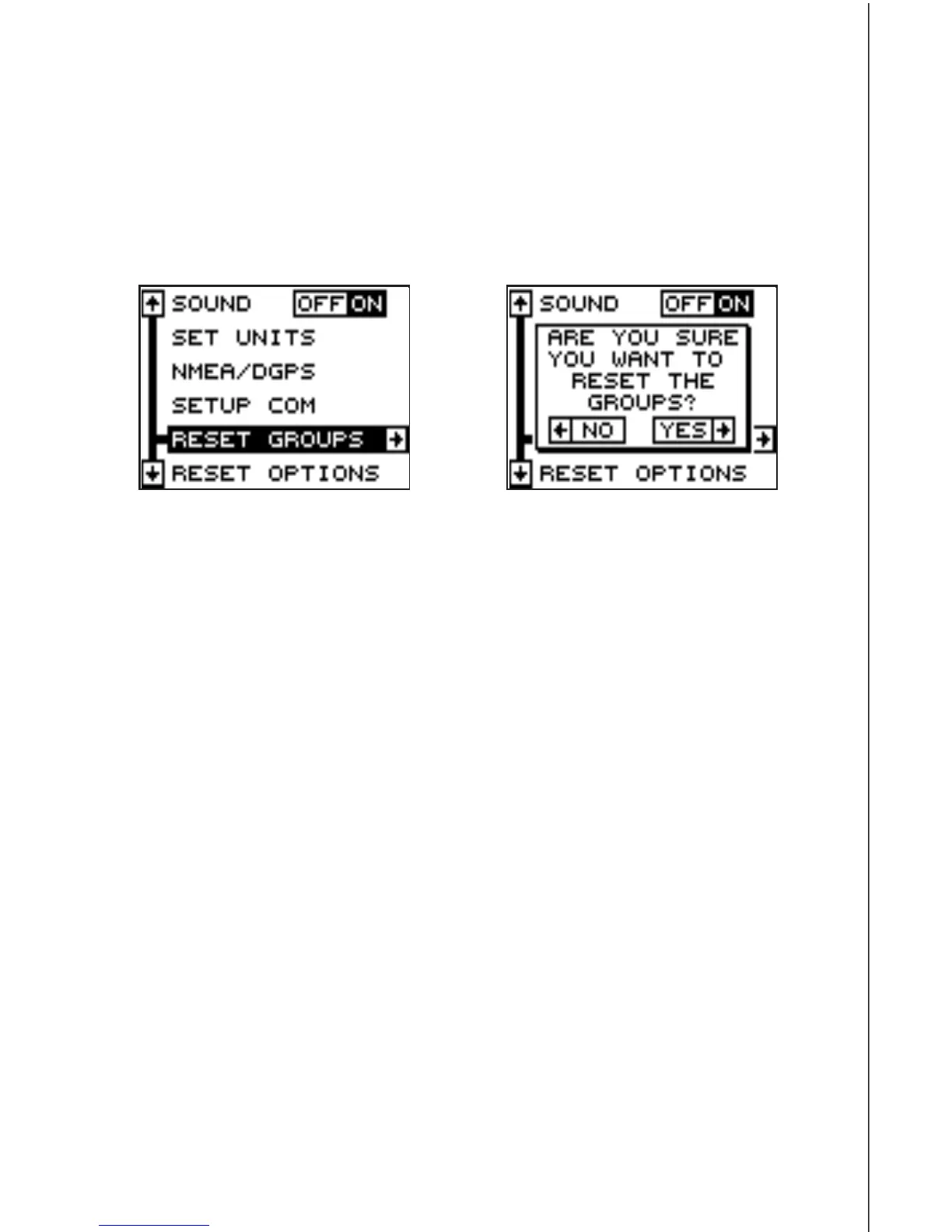
To restore all windows groups to their factory settings, first press the
MENU key, then highlight the “System Setup” label and press the right
arrow key. Now highlight the “Reset Groups” label on this menu. Press
the right arrow key. A message appears, asking if you really want to do
this. Press the right arrow key to continue, or the left arrow key to exit
without resetting the groups.












 To Next Page