44
45
AIS | Elite series
AIS | Elite series
Viewing AIS target information
When you place the cursor on an AIS icon, the
MMSI number or vessel name (if available) will be
displayed.
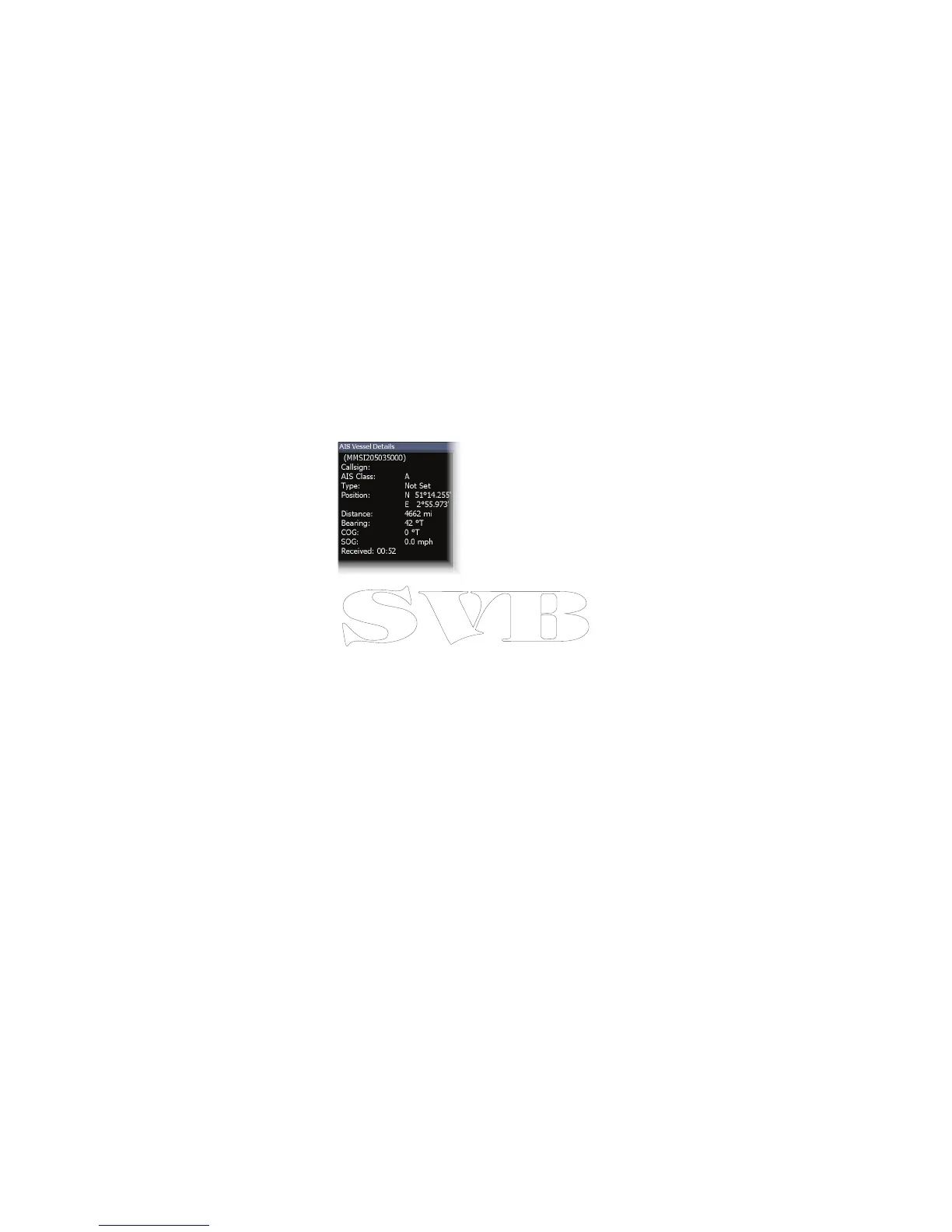
You can view detailed
information about a target
by selecting the target and
pressing ENTER. The AIS Vessel
detail dialog will appear.


 To Next Page