PB
5
Basic Operation | Elite series
Basic Operation | Elite series
Selecting Pages
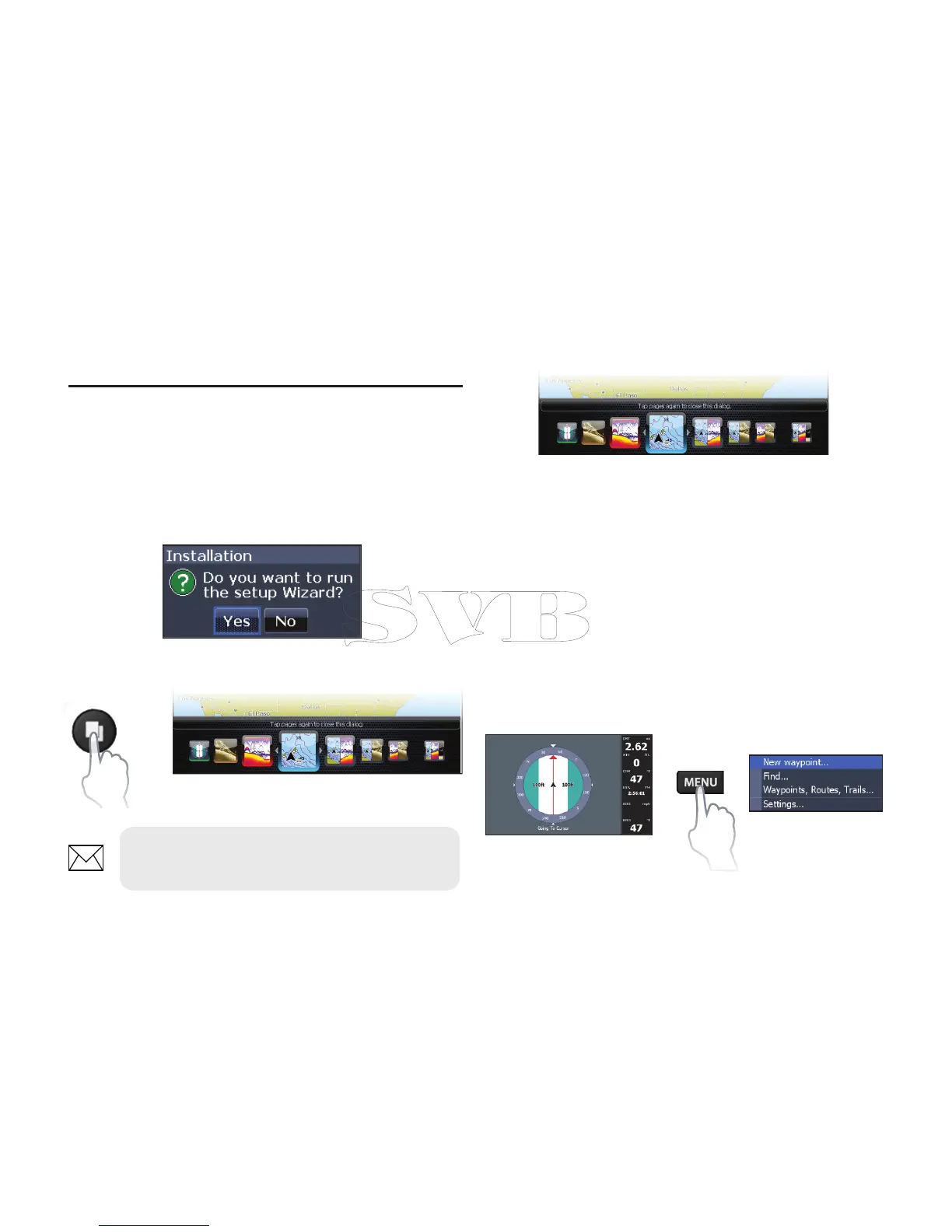
To select a page, press the keypad in the direction
of the desired page and press ENTER.
Page menus
The Steer, Downscan, Sonar and Chart pages have
menus that can only be accessed when those
pages are displayed.
Setup wizard
The Setup wizard will appear when the unit is
turned on for the rst time. To choose your own
settings, do not run the setup wizard. To restart the
Setup wizard, restore defaults.
Pages dialog
Pages
Steer page
Steer menu
Basic Operation
NOTE: Available pages vary depending
on the unit and the connected transducer.


 To Next Page