4
PB
Introduction | Elite series
Introduction | Elite series
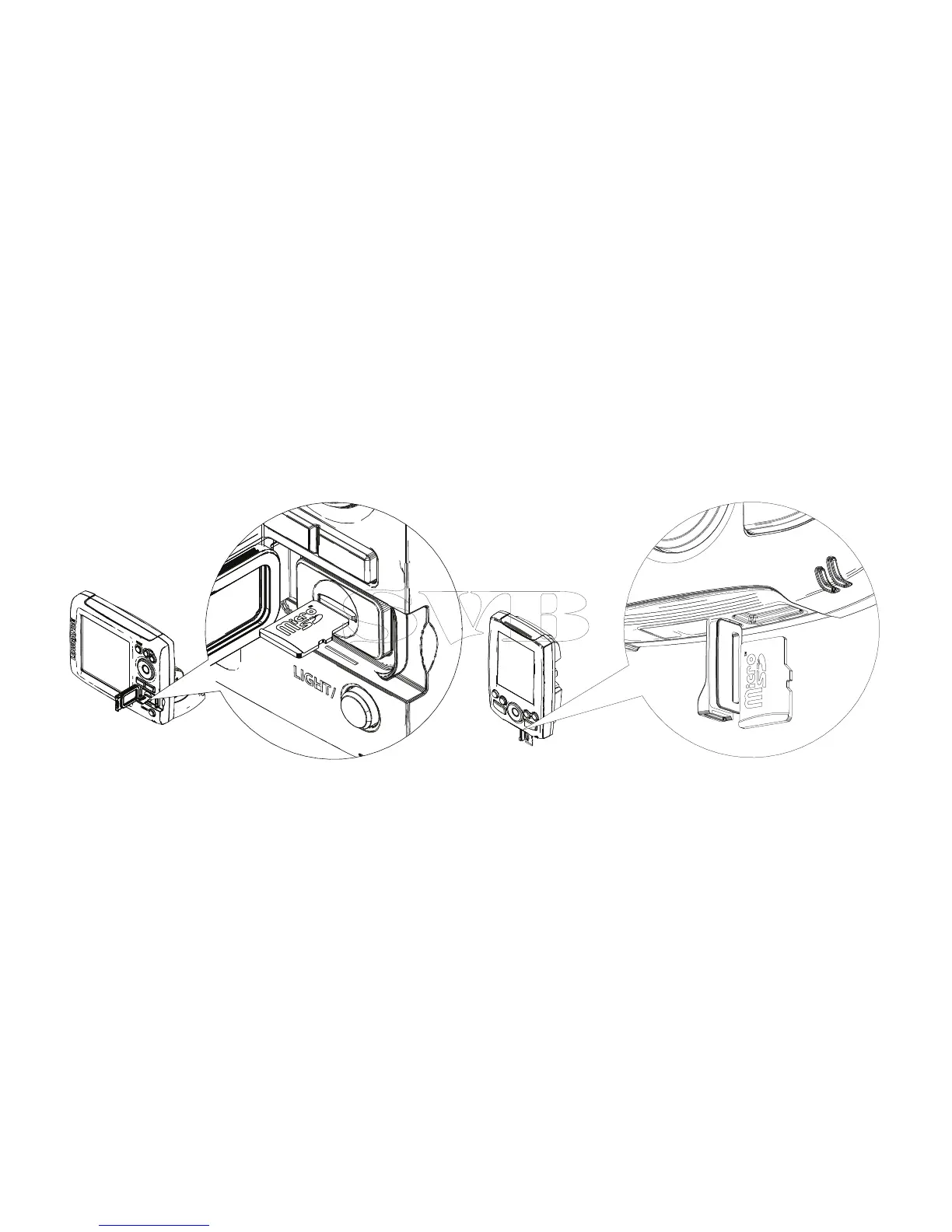
Inserting microSD cards
Carefully slide the microSD card into the slot until it clicks into place. To remove, carefully push in the
card until it clicks out of place.
Elite-5, Elite-7 and Elite-9
Mark-4 and Elite-4


 To Next Page