11
If you are running the cables up through the mounting surface, push the cables 3.
through the mounting surface and then pull them through the cabling hole in
the center of the bracket.
Align the mounting bracket with the four mounting holes and use the supplied 4.
screws to fasten it to the mounting surface.
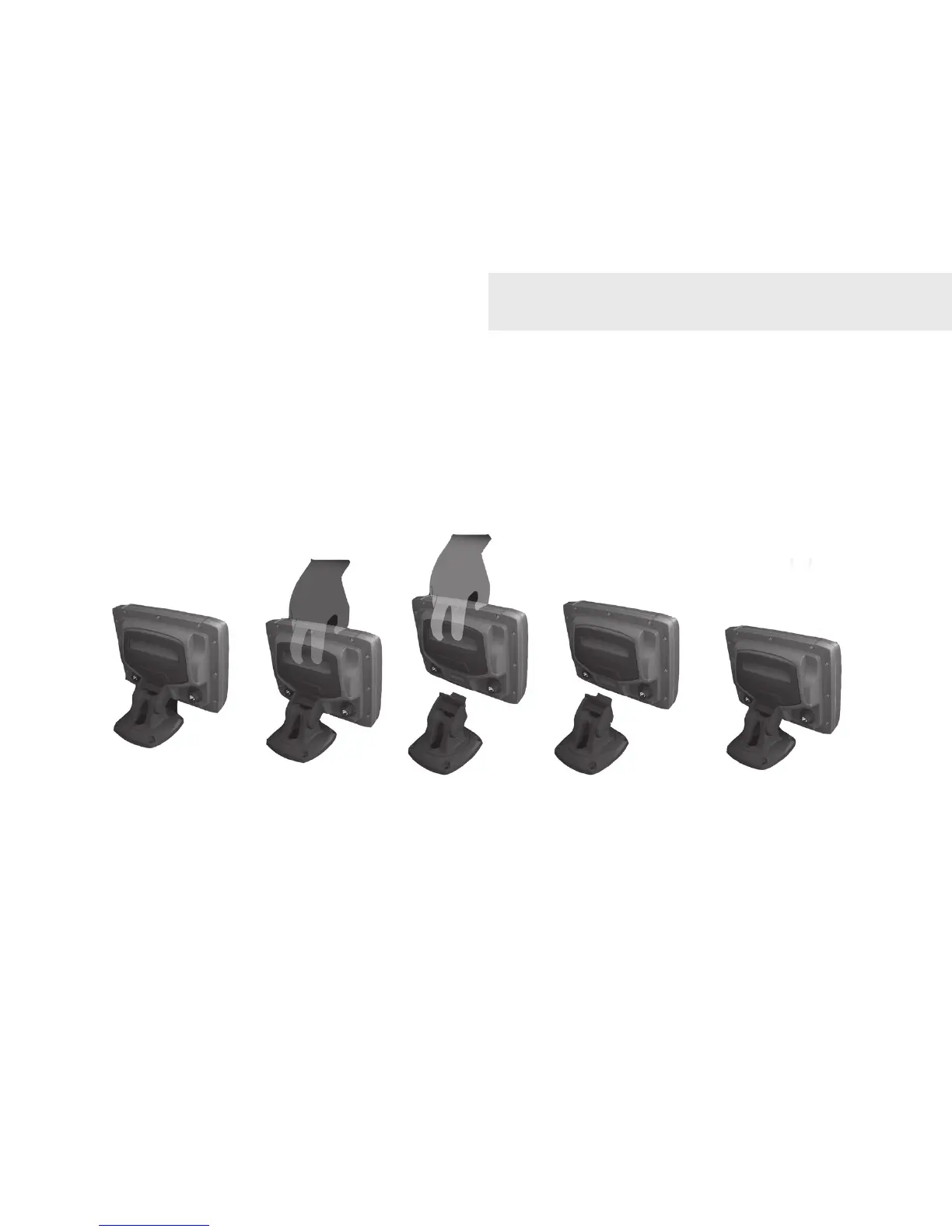
Connect the display unit to the bracket mount. 5.
Connecting display unit to bracket.
Installation








 To Next Page