21
Sonar Operation
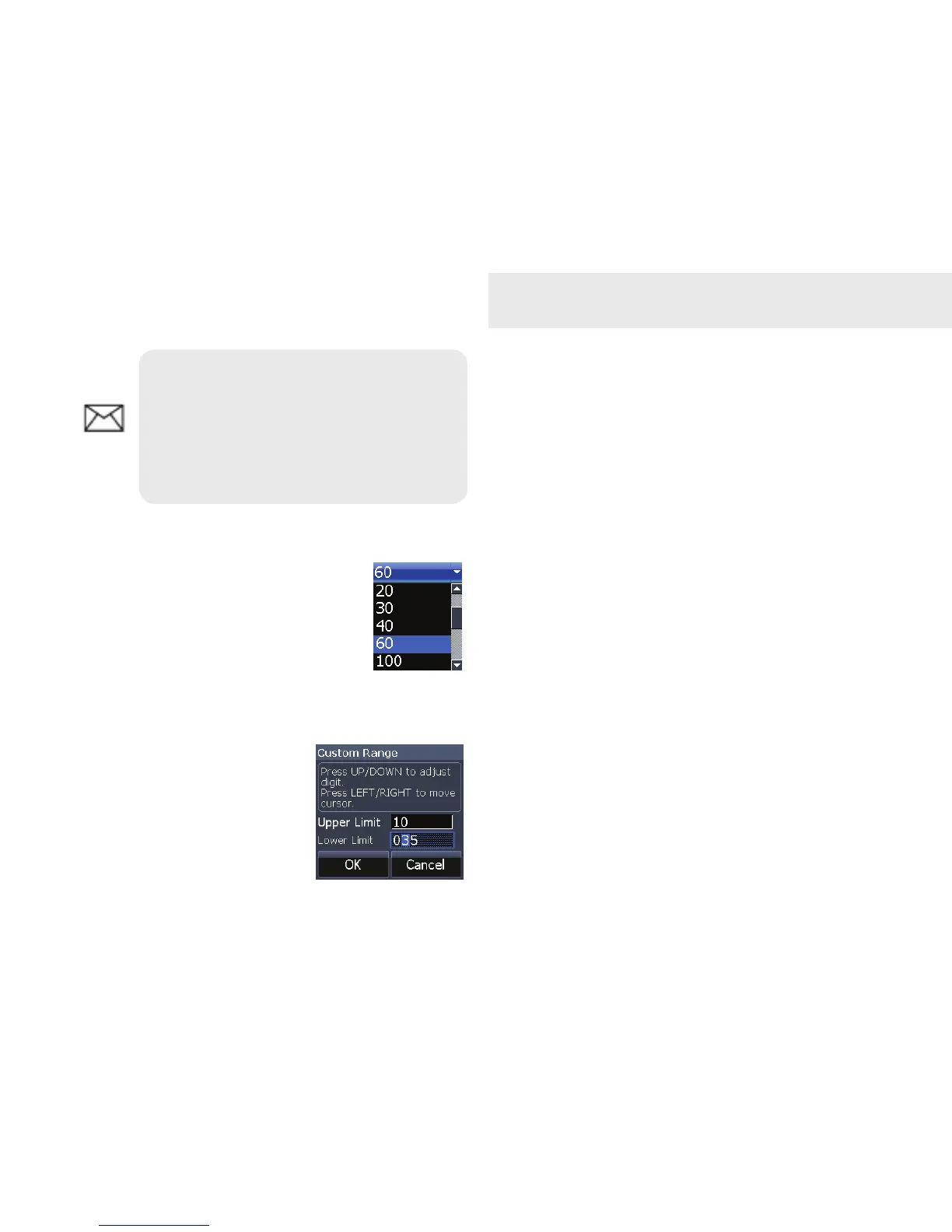
Depth Range
Selects the section of the water
column — from surface to bot-
tom — shown on the display.
Custom Range — Upper/Lower Limits
Used to select the upper
depth and lower depth of
a desired portion of the
water column, allowing
you to select a range that
does not include the water
NOTE: You can make minor
changes to sensitivity with Auto
Sensitivity turned on. You will have
to turn it off to make signicant
adjustments.
surface. Upper and lower limits must be at
least 6.5 feet (2m) apart.
Frequency (Mark 5x Pro & Elite 5x)
Allows you to select the transducer frequency
used by the unit. This unit supports two
frequencies: 200kHz and 83kHz.
Ping Speed (Advanced Mode)
Ping Speed controls the rate the transducer
uses to send sonar waves into the water.
Sonar Options menu
Provides access to sonar display settings and
conguration options.






 To Next Page