25
Settings
Sonar
Controls Sonar op-
tions and display set-
tings like Noise Re-
jection, Surface and
Fishing Mode.
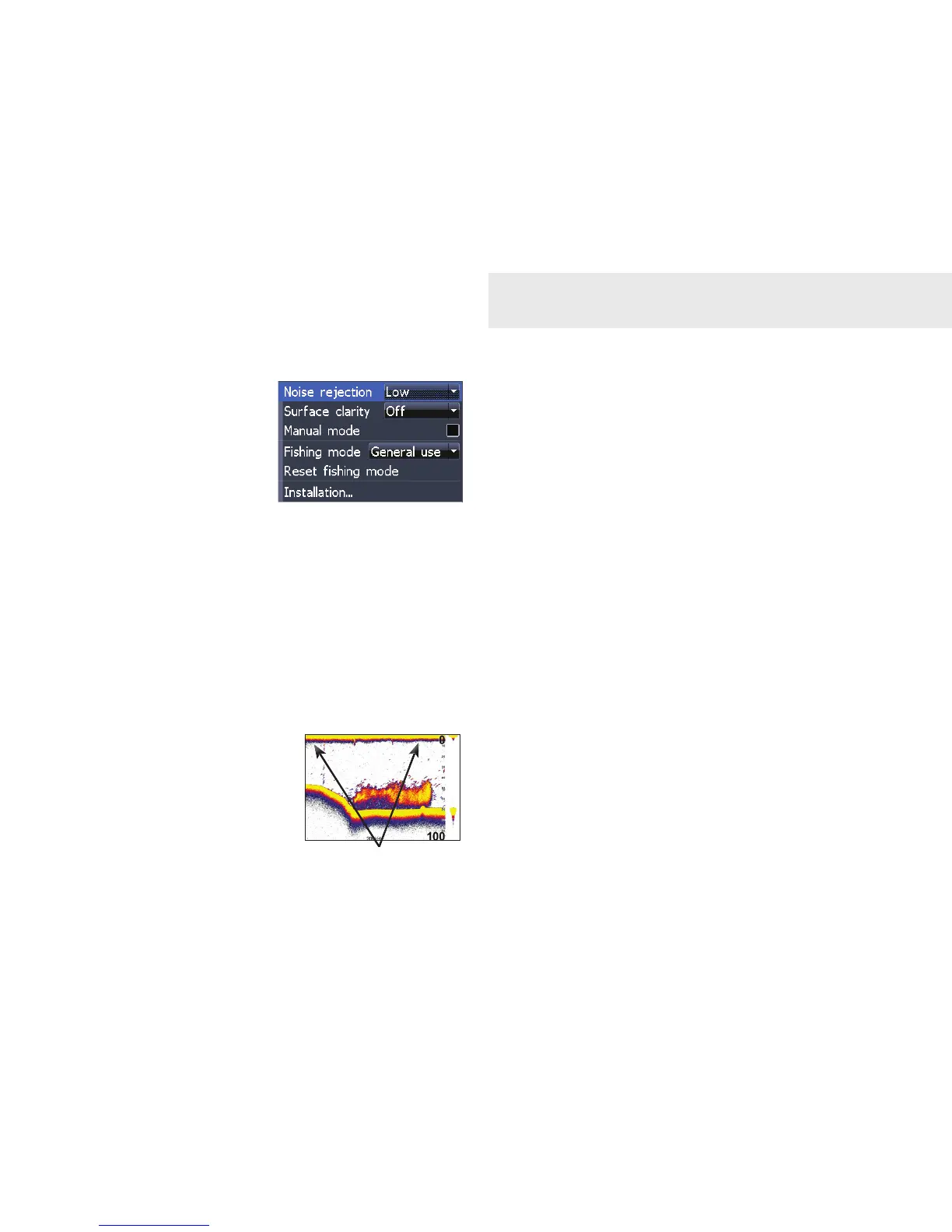
Noise Rejection
Noise Rejection counteracts sonar signal
interference by reducing onscreen clutter.
Surface Clarity (Advanced Mode only)
Surface Clarity reduces
surface clutter by
decreasing the sensitivity
of the receiver near the
surface.
Manual Mode
In this mode, the unit sends sonar signals
only to the depth range you select, instead of
automatically searching for the bottom. That
makes it easier to focus on suspended sh.
Fishing Mode
Fishing Mode is covered in Basic Operation
section.
Reset Fishing Mode
Switches Fishing Mode to the default General
use setting.
Installation
Accesses the Installation menu, where
adjustments can be made to Keel Offset, Water
Speed and Temp calibration settings.
Sonar Settings
Surface Clutter






 To Next Page