16
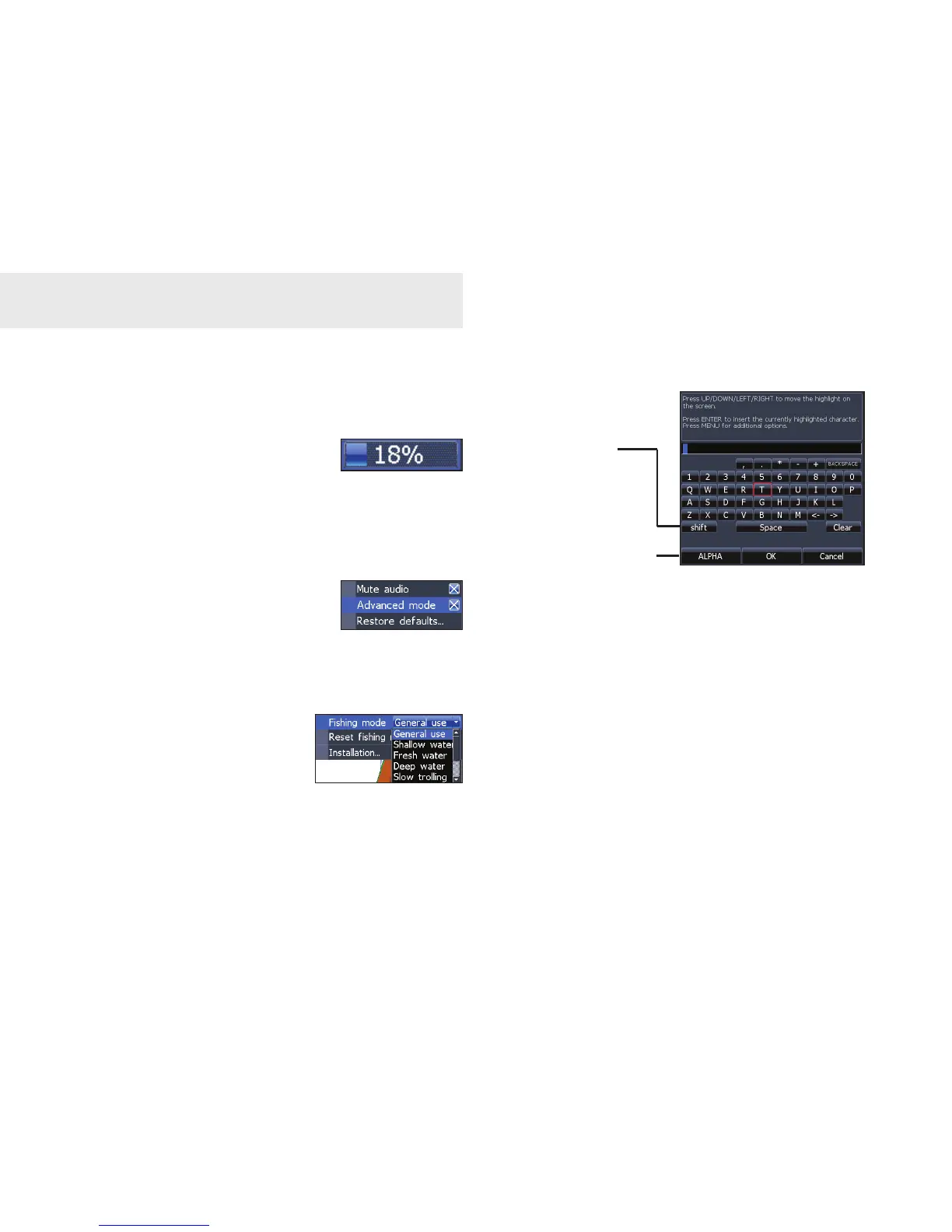
Entering text
To input text:
Select the desired character and 1.
press ENTER.
Repeat Step 1 for each 2.
character.
When text entry is completed, 3.
highlight OK and press ENTER.
Basic Operation
Switches
keyboard between
Alpha and Qwerty
layout
Switches letters
to uppercase/
lowercase
Working with menus
Scrollbars
Select the scrollbar and press
the keypad left (decrease) or
right (increase).
On/Off features
Select an on/off menu item
and press ENTER.
Dropdown menus
Press the keypad up/down
to select the desired item
and press ENTER.












 To Next Page