22
Sonar Operation
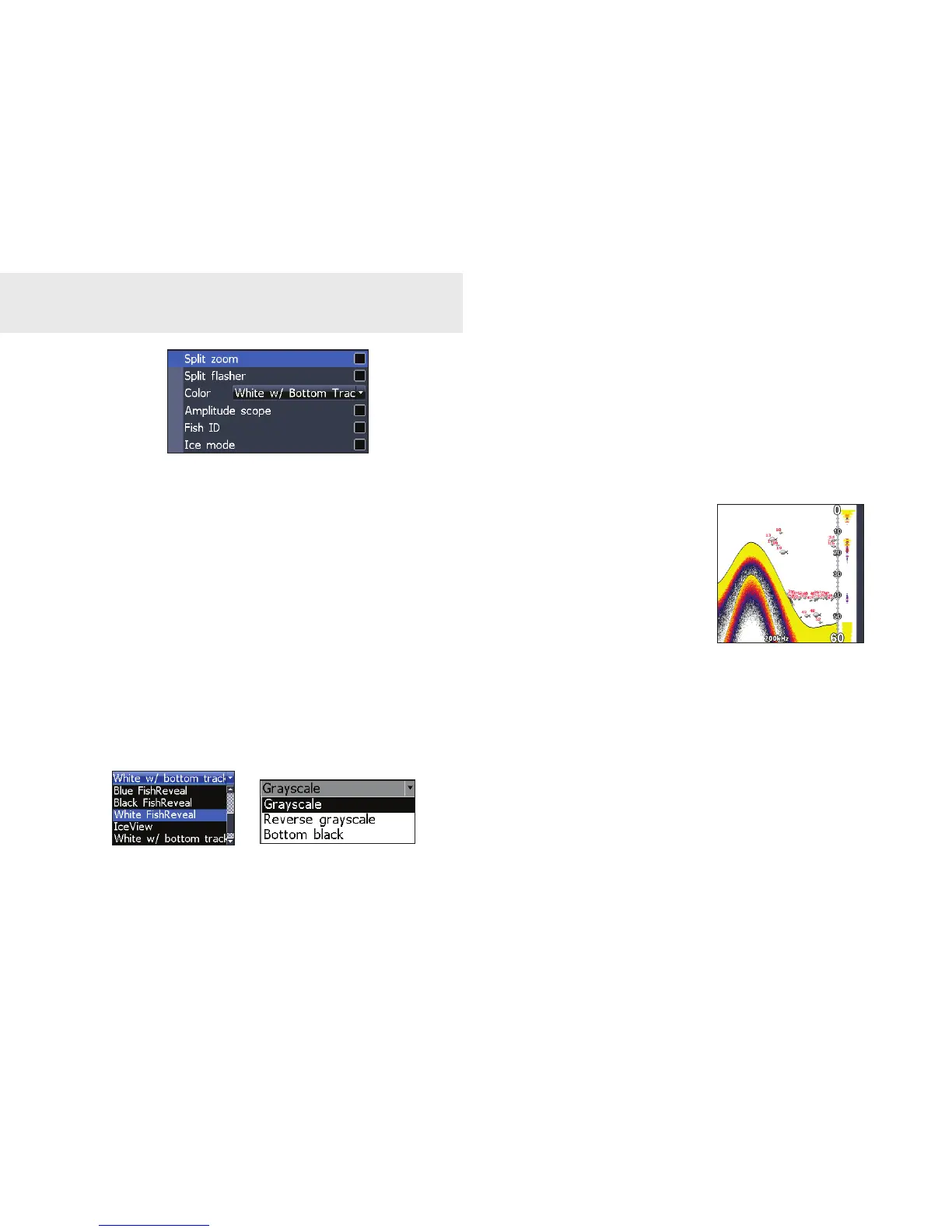
Split Zoom and Split Flasher
Switches the sonar display from full screen
sonar to a split screen view. See Basic Op-
eration section for more information on Split
Zoom and Split Flasher pages.
Color
Allows you to change the look of the display
using palettes with varying degrees of color
and brightness.
Amplitude Scope
Allows you to see the amplitude of real-time
echoes before they appear on the display.
Fish ID
Displays sh echoes as
sh symbols instead of
arches. Fish ID is not as
effective a sh nding
method as the default
sh arch setting.
Stop Sonar
Pauses the sonar chart, allowing you to get a
closer look at sonar echoes.
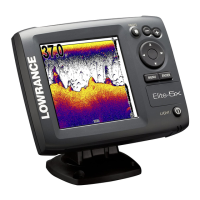
Elite 5x
color menu
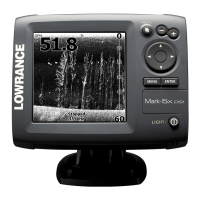
Mark 5x & 5x Pro
color menu
Sonar options menu






 To Next Page