8
Overlay Transparency
Controls the transparency of Downscan overlay on the sonar page, allowing you
to select an overlay level best suited for current water conditions.
To make adjustments to Overlay:
1. Make sure the sonar panel is the active panel.
Press MENU.
2. Select Adjust and press ENTER.
3. Use the keypad to highlight Overlay.
4. Press the keypad left/right to decrease/increase
overlay transparency.
StructureScan Options Softkey
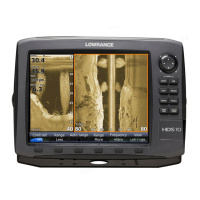
If you have an HDS-8 or HDS-10, you will notice the
Stop Sonar softkey is replaced with the Structure
Options softkey when Overlay Downscan is turned
on.
That gives you one-touch access to StructureScan
display options and settings, including the Overlay
adjustment scrollbar.
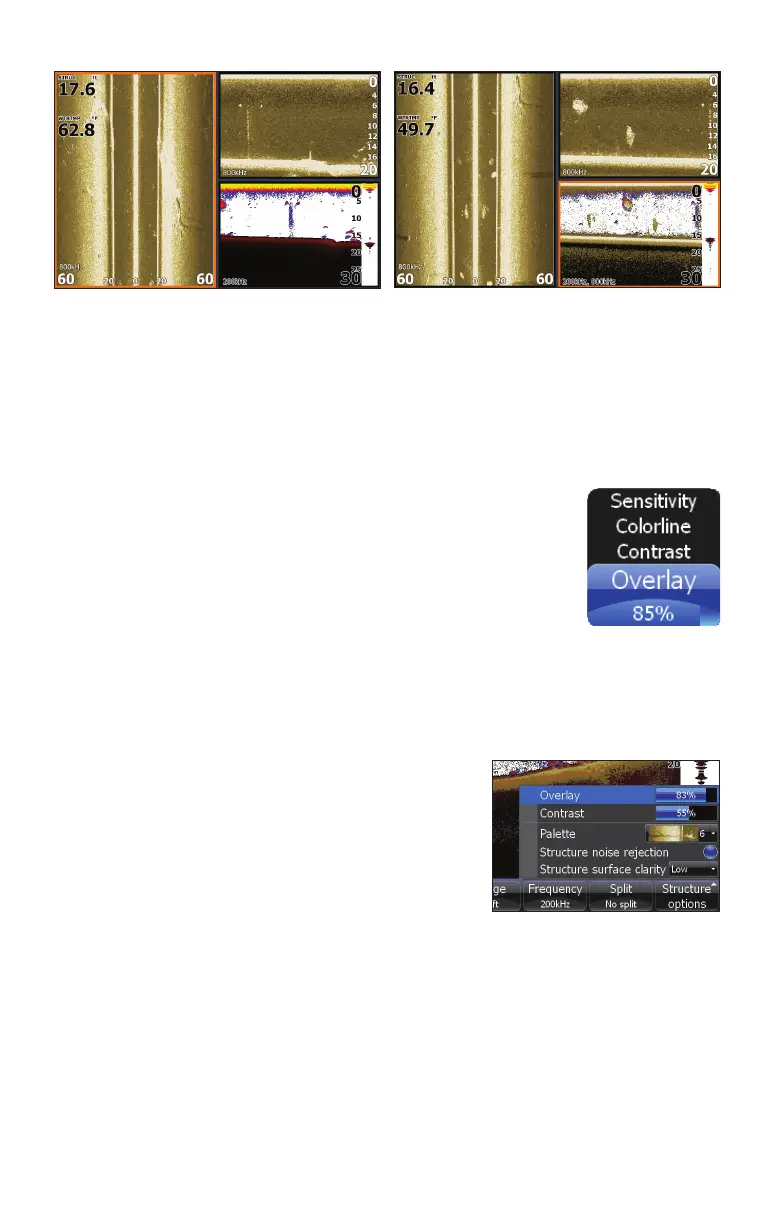
Downscan overlay set to 0%.
Downscan overlay set to 85%


 To Next Page