17
Selecting Structure Source
StructureMap can be used in Live mode or
Saved mode. Live mode allows you to view
real-time StructureMap data on the screen.
Saved mode is used to display StructureMap
data previously saved to a SD card or the unit’s
internal memory.
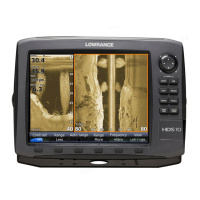
Live mode
Displays the last few minutes of the Side Imaging history as a trail behind the
vessel icon. The length of this trail will vary depending on the Side Imaging
and Down Imaging range settings. The higher the range settings the longer
Vessel icon
History trail
Structure
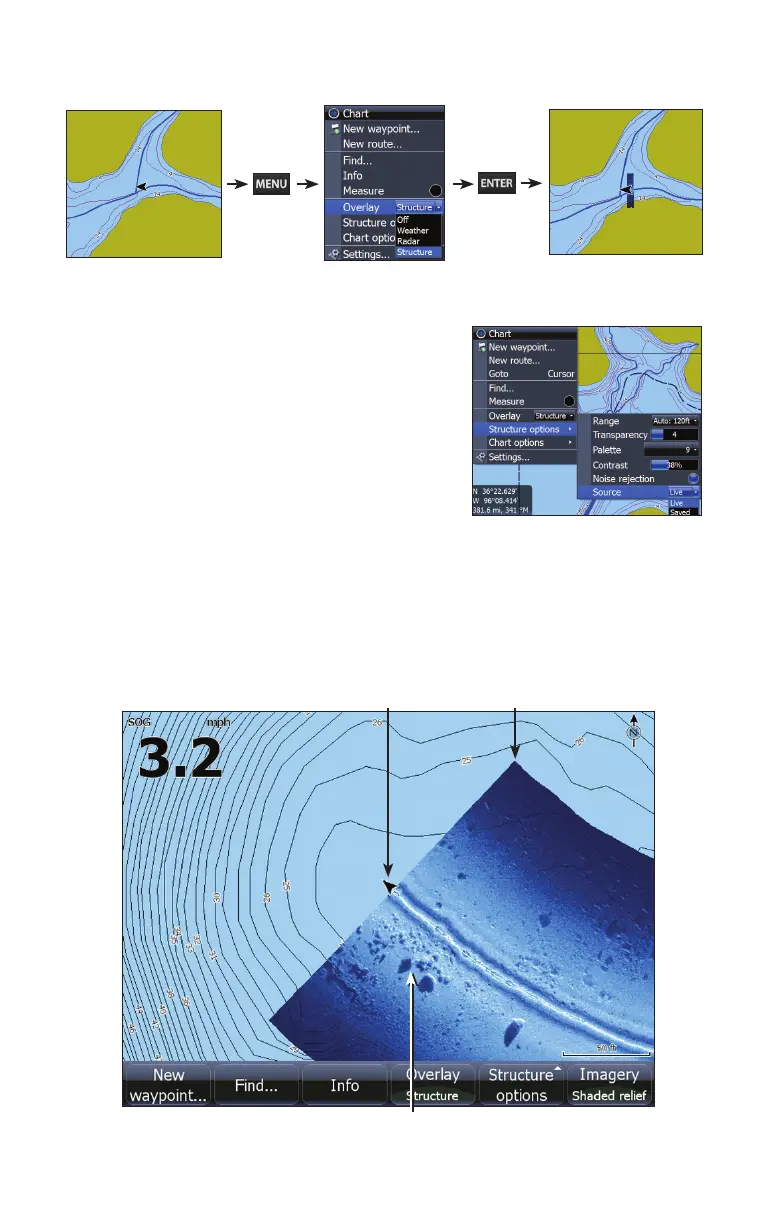
Turning on Structure overlay


 To Next Page