7
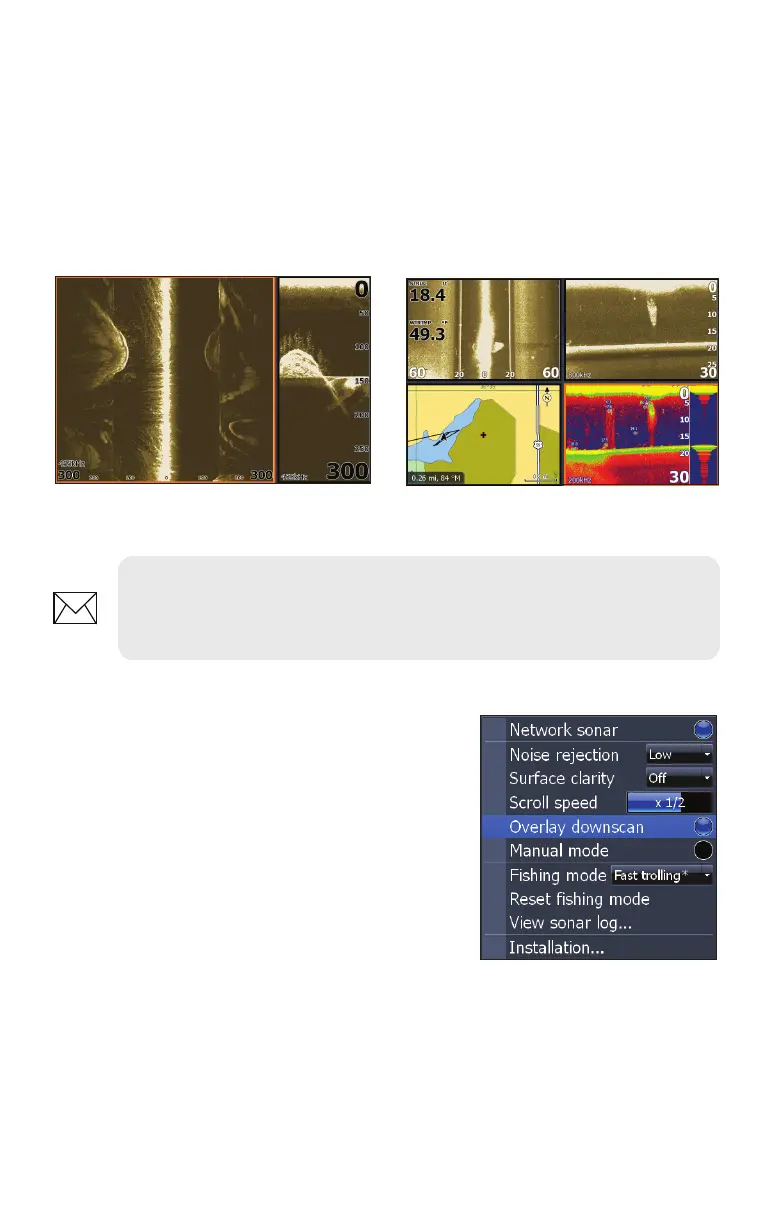
To display a split, tri or quad screen:
1. Press the PAGES key.
2. Press the keypad left/right to rotate the carousel menu until Structure
is selected.
3. Press the keypad up/down to select the desired combination of
panels and press ENTER.
Overlay Downscan
Places downscan data on top of sonar data,
making it easier to separate sh from structure.
To turn on Downscan Overlay:
1. Press MENU twice.
2. Select Sonar and press ENTER.
3. Highlight Overlay Downscan and press
ENTER.
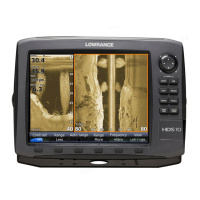
Structure + Structure Splitscreen
Structure + Structure + Sonar + Chart
Quadscreen (HDS -8/10 only).
NOTE: To switch the active panel on a multi-screen display, hold down
the Pages key until the orange border switches to the next panel. Repeat
this step to rotate active status to the next panel.


 To Next Page