6
Displaying Sidescan and Downscan
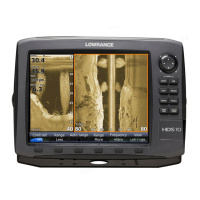
Sidescan and Downscan can be shown on the display individually or together in
dierent split screen congurations.
To display Sidescan:
1. Press the PAGES key.
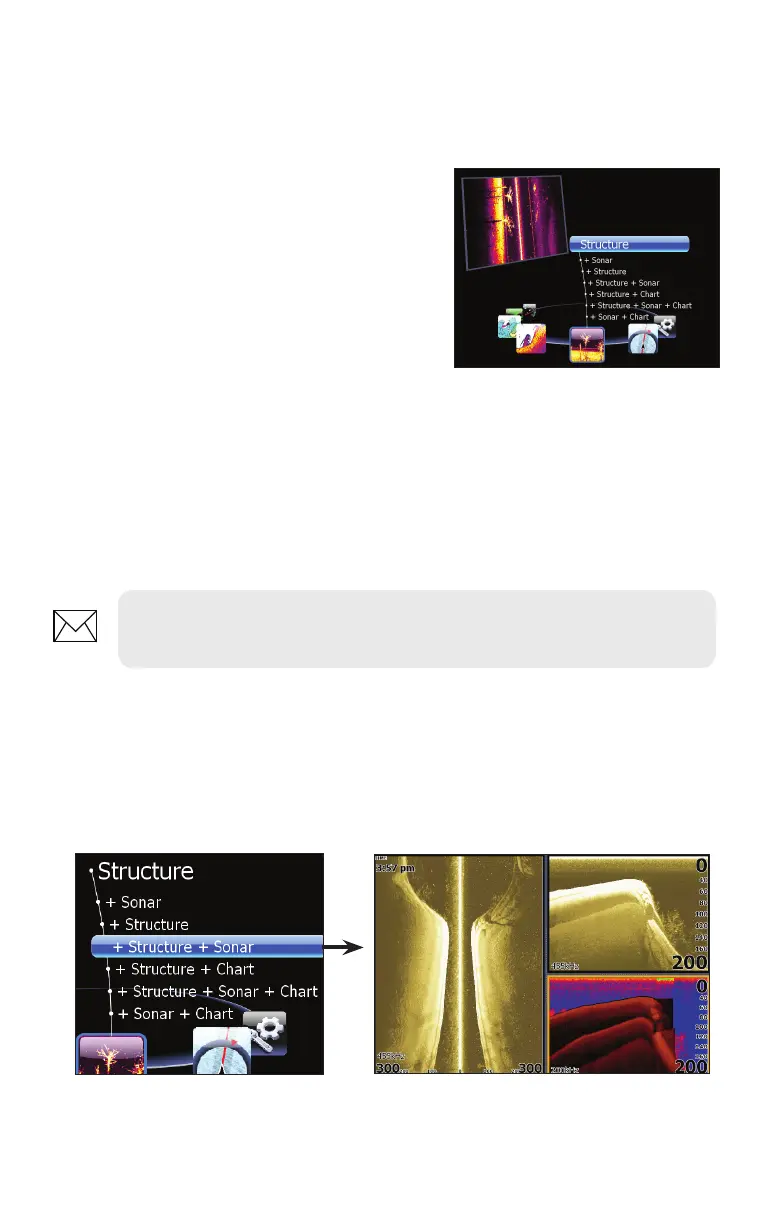
2. Use the keypad to rotate the
carousel menu until Structure is
selected.
3. Press ENTER.
To display Downscan:
1. From the Sidescan onscreen display, press MENU.
2. Select Structure Options and press ENTER.
3. Highlight View and press ENTER.
4. Select Down and press ENTER.
Screen Congurations
StructureScan can be shown with other pages in various screen congurations
including: splitscreen, tri-screen and quad screen (HDS-8/10 only).
NOTE: To access the StructureScan menu, press MENU from a
StructureScan page or from an active StructureScan panel.
Selecting Structure + Sonar from the Structure menu displays a tri-screen
with two StructureScan panels and a sonar panel.
Pages screen for HDS-8 /10 units.


 To Next Page