15
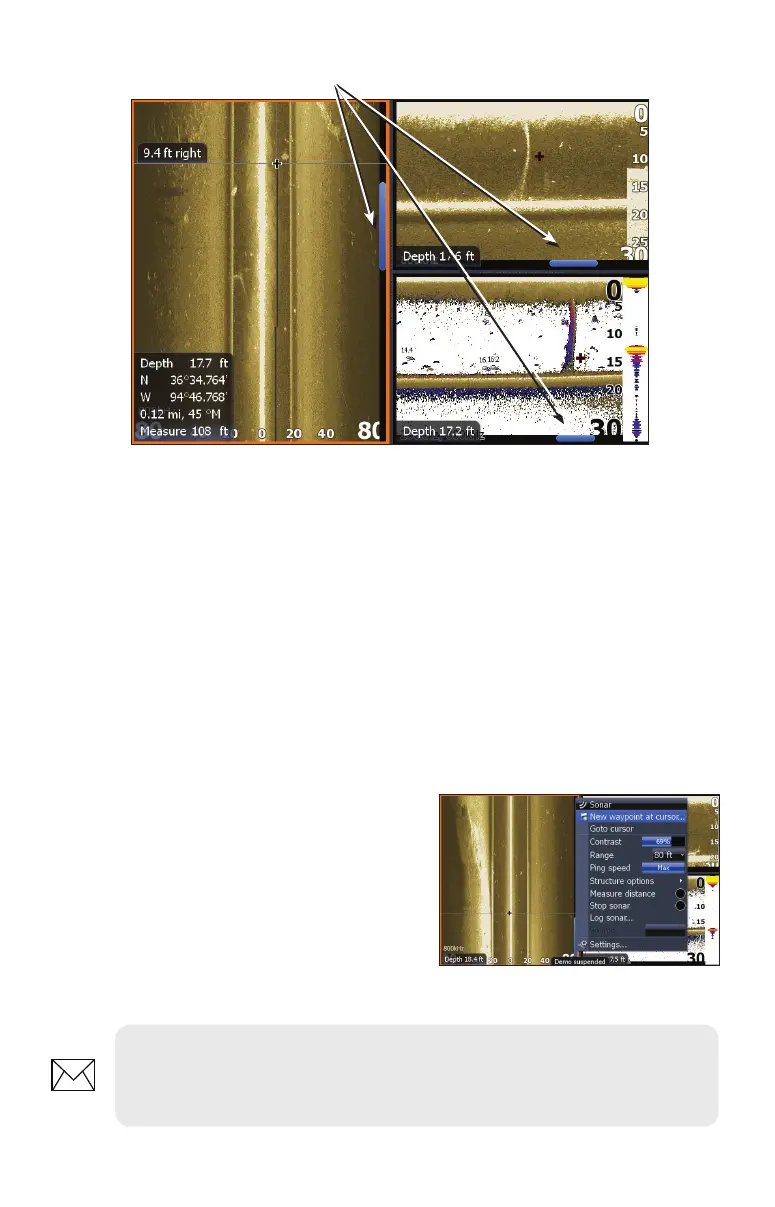
To view history:
1. From a StructureScan page, press the keypad down (Sidescan)
or to the left (Downscan). The blue history tracking bar will appear
helping you keep tabs on where you are in the history log.
2. To return to normal operation, press EXIT.
Save Waypoints
You can save waypoints using both Sidescan and Downscan views, allowing you
to mark a desired object/location so you can revisit it later.
To save a waypoint:
1. Press the keypad to activate the
cursor.
2. Move the cursor over the desired
object/location and press MENU.
3. Select New Waypoint at Cursor
and press ENTER.
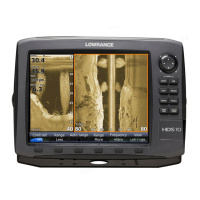
Blue history tracking bars
NOTE: You can save a waypoint by moving the cursor into the desired
position and pressing Enter or the Wpt key from the StructureScan or
Sonar pages.


 To Next Page