3
Softkeys
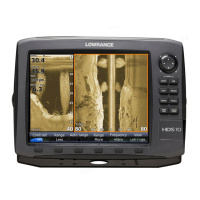
Instructions in this manual are based on HDS unit menus, not
softkeys. If you have an HDS-8 or HDS-10, you can get the same
results using the softkeys.
To use softkeys:
1. Touch the desired softkey to change settings, view a softkey menu
or adjustment scrollbar.
2. Use the keypad to select menu items and make adjustments to
scrollbars. Press EXIT to close softkey menus.
StructureScan
Consists of two powerful sonar views: Sidescan and Downscan. Used in
conjunction with the built-in broadband sounder, StructureScan gives you an
underwater panoramic view.
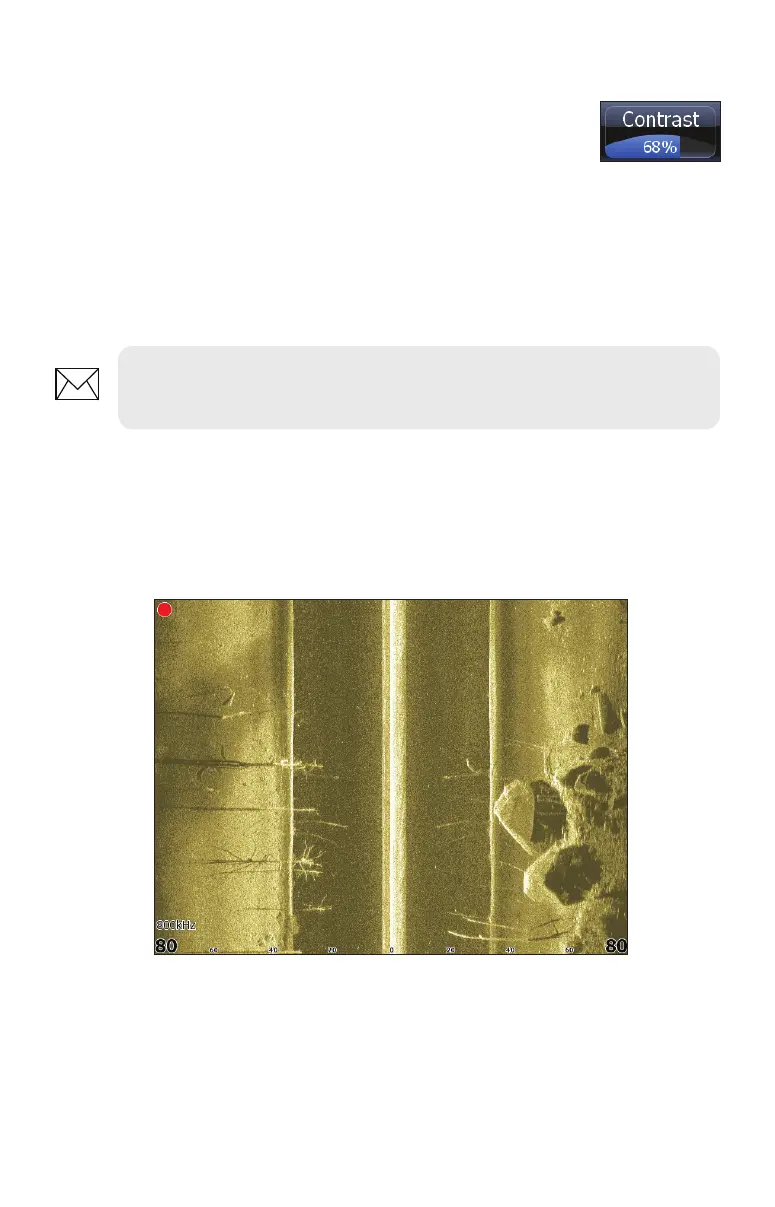
Sidescan
Broadcasts a sonar beam to each side of your boat allowing you to view structure,
and terrain without having to drive your boat over the top of it.
NOTE: After making adjustments to options or settings, use the EXIT
key to resume normal operation.
Sidescan


 To Next Page