45
DAILY ALARM
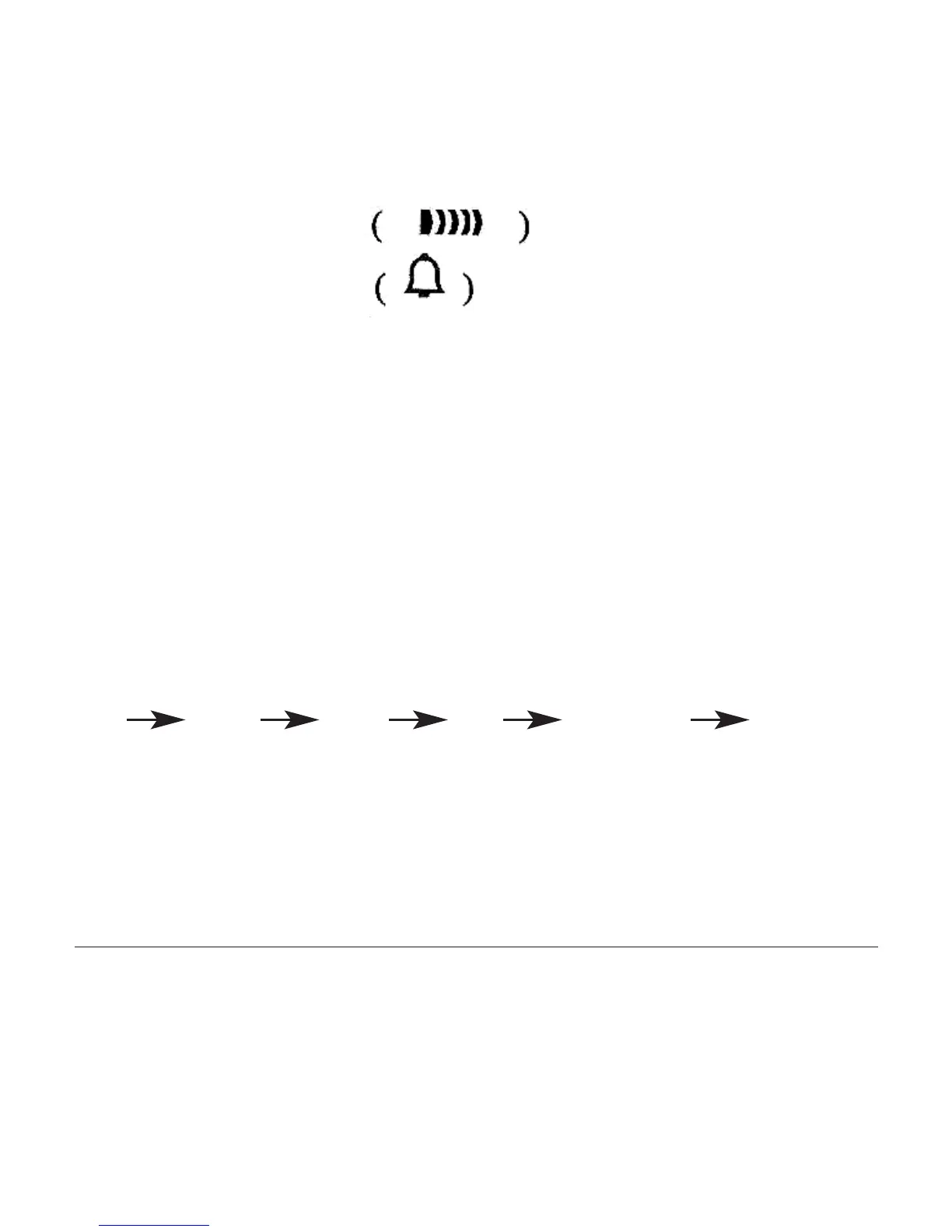
Turn On/Off Alarm and Chime
Press D key to turn On/Off Alarm
or Chime
Alarm setting: Press C key to select ‘Hour’ or ‘Minute’ setting
Press D key to adjust the flashing item
Press C key to confirm
Press B key to return to Real Time mode
Alarm Snooze On/Off
At Alarm sounding state, press C key or D key to stop sounding and press B key to On/Off
snooze function. When Snooze function ON, it will sound five minutes later and auto stop after
sounding for 20 seconds.
TIME SETTING
‘Second” flashing when loading, press D key to zero;
Press C key to select item as following sequence:
Hour Minute Month Day Day of Week Second
Press D key to adjust the flashing item
Press B key to confirm
When setting Hour, h display for 24 hour format; A or P for 12 hour format
Press D key while the seconds are in the range of 30 to 59 resets them to 00 and adds 1 to the
minutes.
In the range of 00 to 29, the minutes are unchanged.



 To Next Page