Chapter 2 - Operation
33
2.5 Operating Example
2.5.1 Operation via Control terminal + Keypad
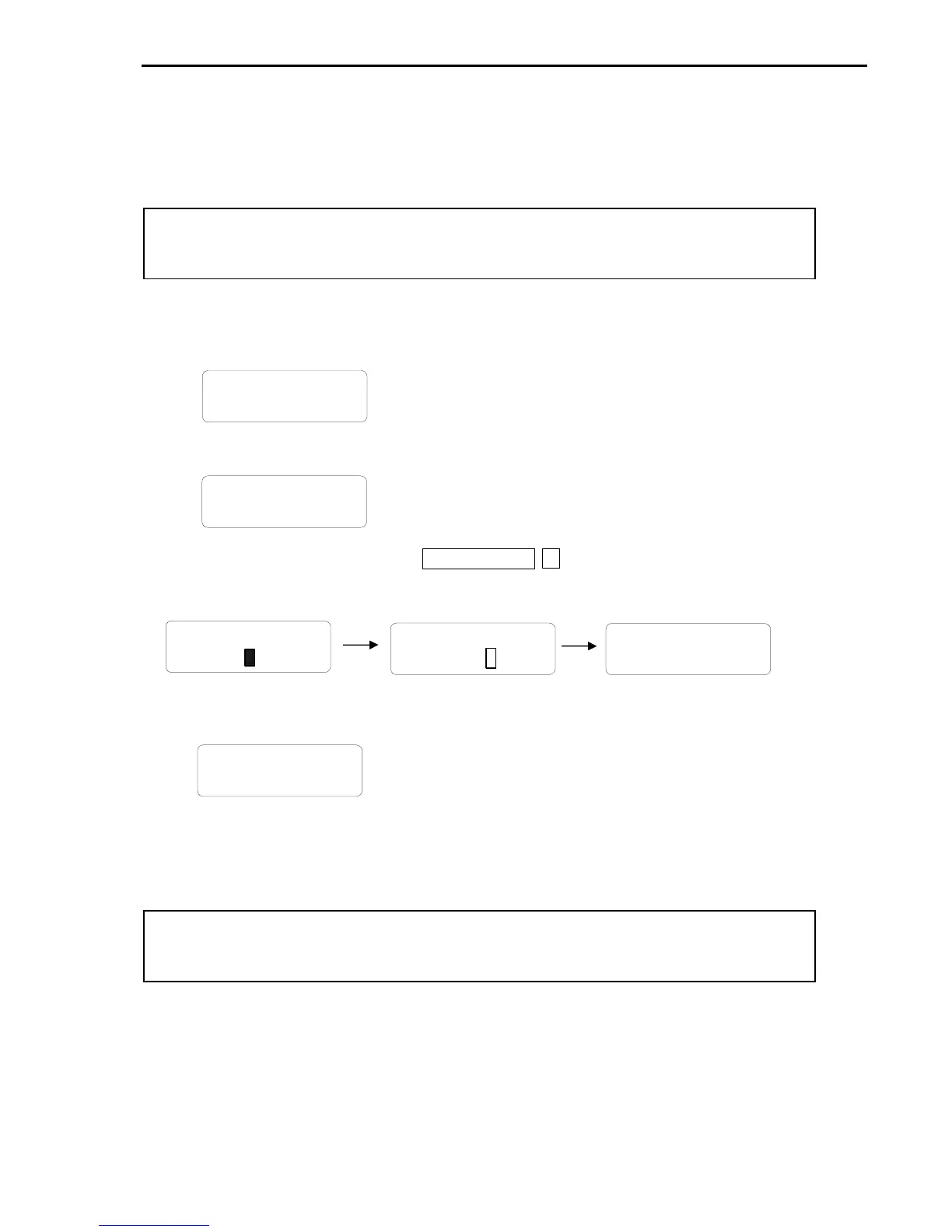
1. Check the LCD display when Power ON. Otherwise, change the setting indicated above.
2. Turn the FX (or RX) terminal ON. Then FWD (or REV) LED will be lit.
3. When setting the Ref. Freq to 60 Hz using PROG/ENT/SHIFT, ▲ keys, motor will rotate at 60Hz.
FWD (or REV) LED will be flickering during Acceleration/ Deceleration.
4. Turn Fx (or Rx) terminal Off. Then Stop LED will be lit.
DRV▶T/K 0.0 A
00 STP 0.00Hz
DRV▶T/K 0.0 A
00 FWD 0.00Hz
DRV▶ Cmd. freq
00 0.00Hz
DRV▶ Cmd. freq
00 60.00Hz
DRV▶T/K 5.0 A
00 FWD 60.00Hz
Note) To enable Run/Stop via keypad & Freq setting via control terminal…
Setting: DRV-03 [Drive Mode (Run/Stop method)] = 0 (Keypad)
DRV-04 [Frequency Mode (Freq. setting method)] = 2 (V1)
Setting: DRV-03 [Drive Mode (Run/Stop method)] = 1 (Fx/Rx-1)
DRV-04 [Frequency Mode (Freq. setting method)] = 0 (Keypad-1)
l With above setting, Freq setting via terminal & Run/Stop via Keypad disabled



 To Next Page
 Loading...