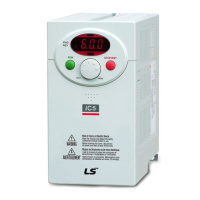
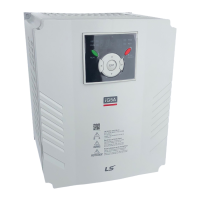
When changing run frequency to 30.05 Hz in Drive group
Drive group
1
-. In “0.0”, press the Prog / Ent () key once.
2
-. The second 0 in 0.0 is active.
-. Press the Right () key once to move the cursor to the
-. 0.00 is displayed
-. Press the Up () key until 5 is displayed.
4
-. Press the Left () key once.
5
-. The middle digit in 0.05 is active.
-. Press the Left () key once.
6
-. Press the Left () key once.
7
-. 00.0 is displayed with the first 0 active, but the actual
value 0.05 remains unchanged.
-. Press the Up () key to set to 3.
8
-. Press the Prog / Ent () key once.
-. 30.0 is blinking.
-. Press the Prog / Ent (
-. Run frequency is set to 30.0 when the blinking stops.
Three digit LED display is provided in SV-iC5 Series. However, digit
expansion is available using the Left(
) key for parameter
setting and monitoring.
In step 8, pressing the Left () or Right () key while 30.0 is blinking
will disable the setting.



 To Next Page