Digital Video Recorder User Manual
38
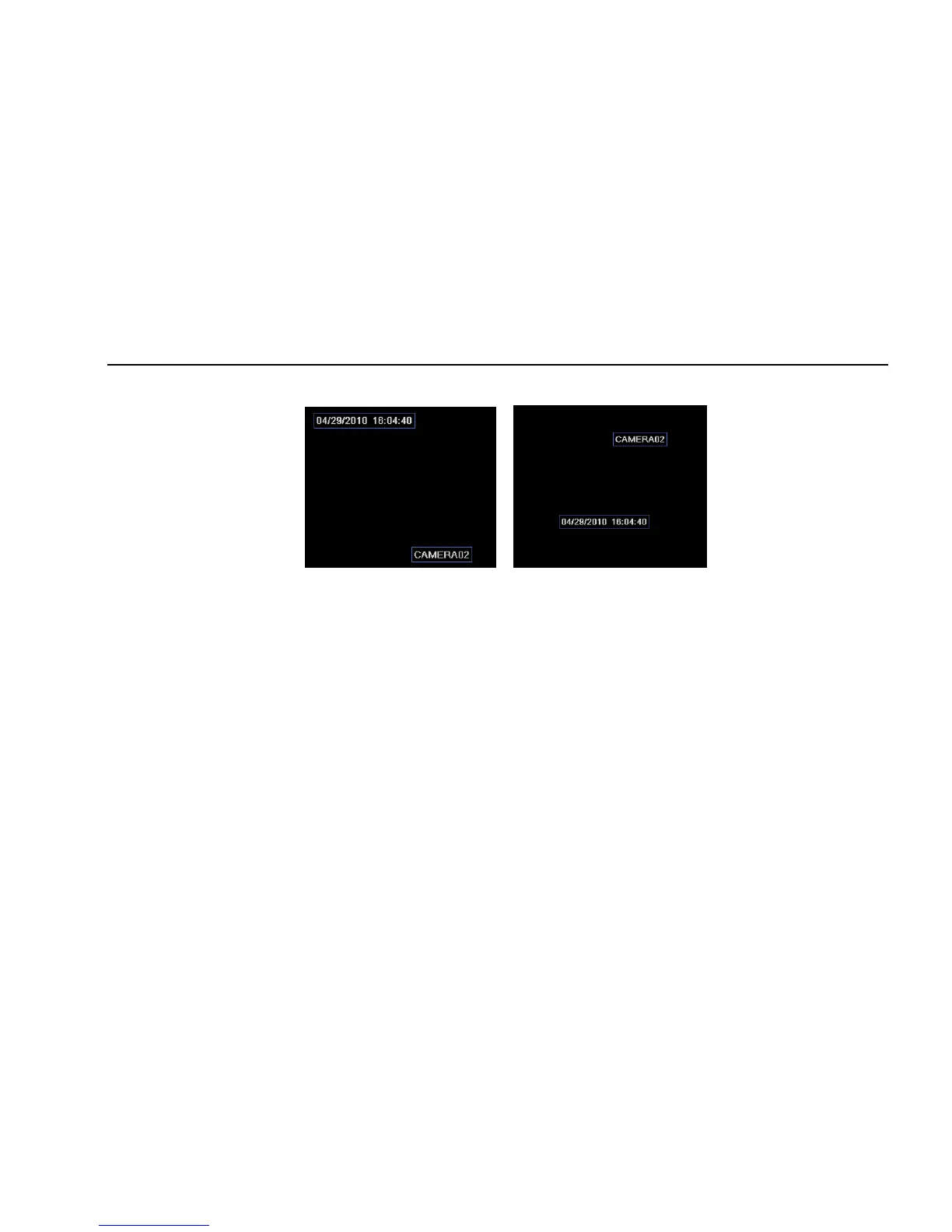
Step2: tick off camera name, time stamp; click Set button, user can use cursor to drag the camera name and time stamp in random positions,
refer to below Figures:
Before drag after drag
Step3: user can setup all channels with same parameters, tick off “all”, then to do relevant setup.
Step4: click “default” button to resort default setting; click “apply” button to save the setting; click “exit” button to exit current interface.
4.4 Schedule configuration
Schedule configuration includes three sub menus: schedule, motion and alarm.
4.4.1 Schedule
The column means the seven days of a week from Monday to Sunday, the row means 24 hours of a day. Click the grid to do relevant setup. Blue
means checked area, gray means unchecked area.
Step1: enter into system configurationÆschedule configurationÆschedule; refer to Fig 4-15:



 To Next Page