Digital Video Recorder User Manual
41
4.4.3 Sensor
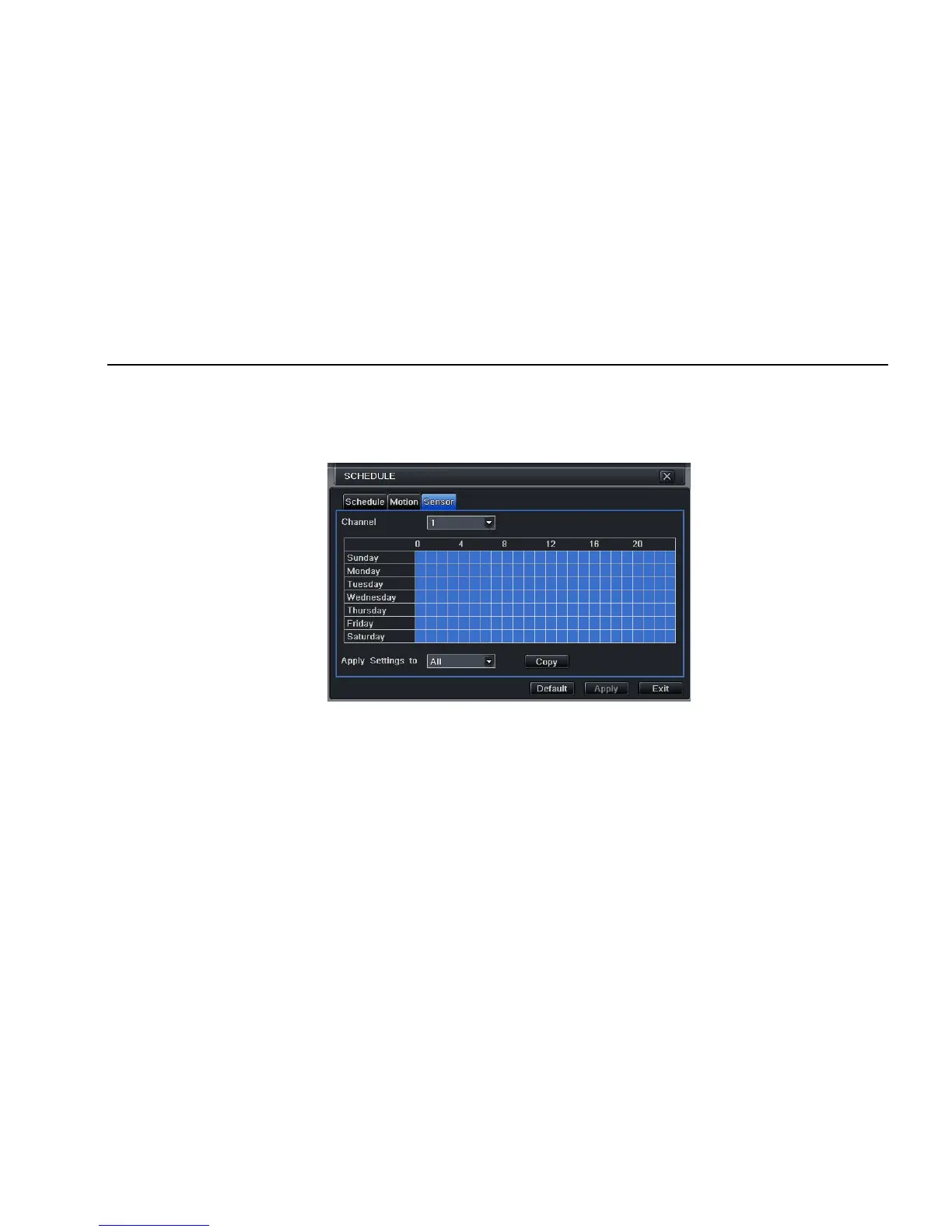
Step1: enter into system configurationÆschedule configurationÆalarm; refer to Fig 4-18:
Step2: the setup steps of alarm are familiar with schedule; user can refer to 4.4.1 Schedule for details.
Note: the default schedule of sensor is full-selected, that is, the color of schedule setting interface is blue.
Fig 4-18 schedule configuration-sensor
4.5 Alarm configuration
Alarm configuration includes five sub menus: sensor, motion, video loss, other alarm and alarm out.
4.5.1 Sensor
Sensor includes three sub menus: basic, alarm handling and schedule.
① Basic



 To Next Page