Digital Video Recorder User Manual
16
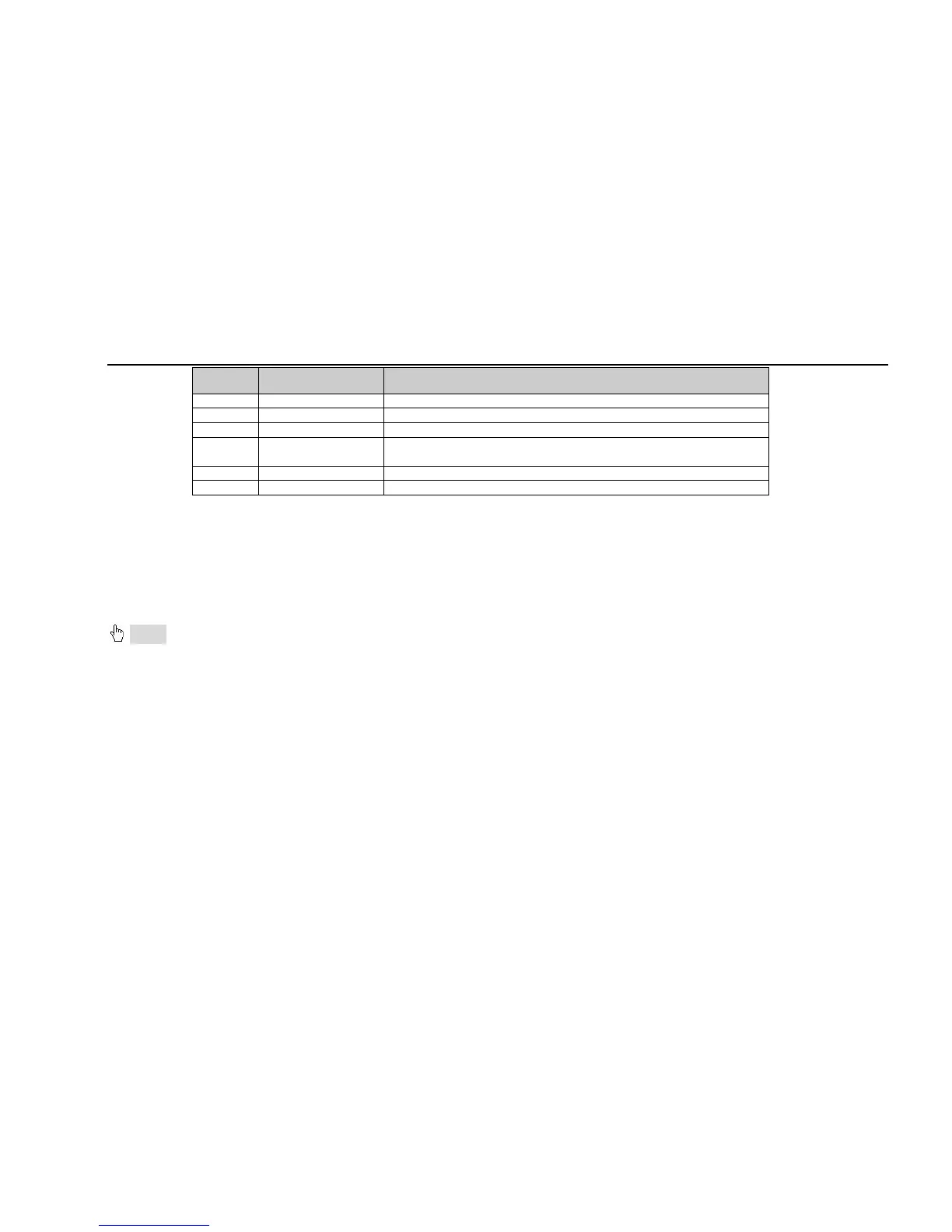
Item Name Description
9 ALARM IN Connect to external sensor1-16
10 USB port Connect USB mouse or connect external USB devices
11 NET Network port
12 Spot out
Connect to monitor as an AUX output channel by channel. Only video
display, no menu show
13 Video in Video input channels from 1-16
14 DC12V POWER INPUT
Tab 2.4 Definitions of Rear Panel Buttons
2.4 Remote Controller
It uses two AAA size batteries and works after loading batteries as following:
Step1: Open the battery cover of the Remote Controller
Step2: Place batteries. Please take care the poles (+ and -)
Step3: Replace the battery cover
Notice: Frequently defect checking as following
1. Check batteries poles
2. Check the remaining charge in the batteries
3. Check IR controller sensor is mask
If it still doesn't work, Please change a new remote controller to try, or contact your dealers
The interface of remote controller is shown in Fig2.7 Remote Controller.



 To Next Page