Digital Video Recorder User Manual
46
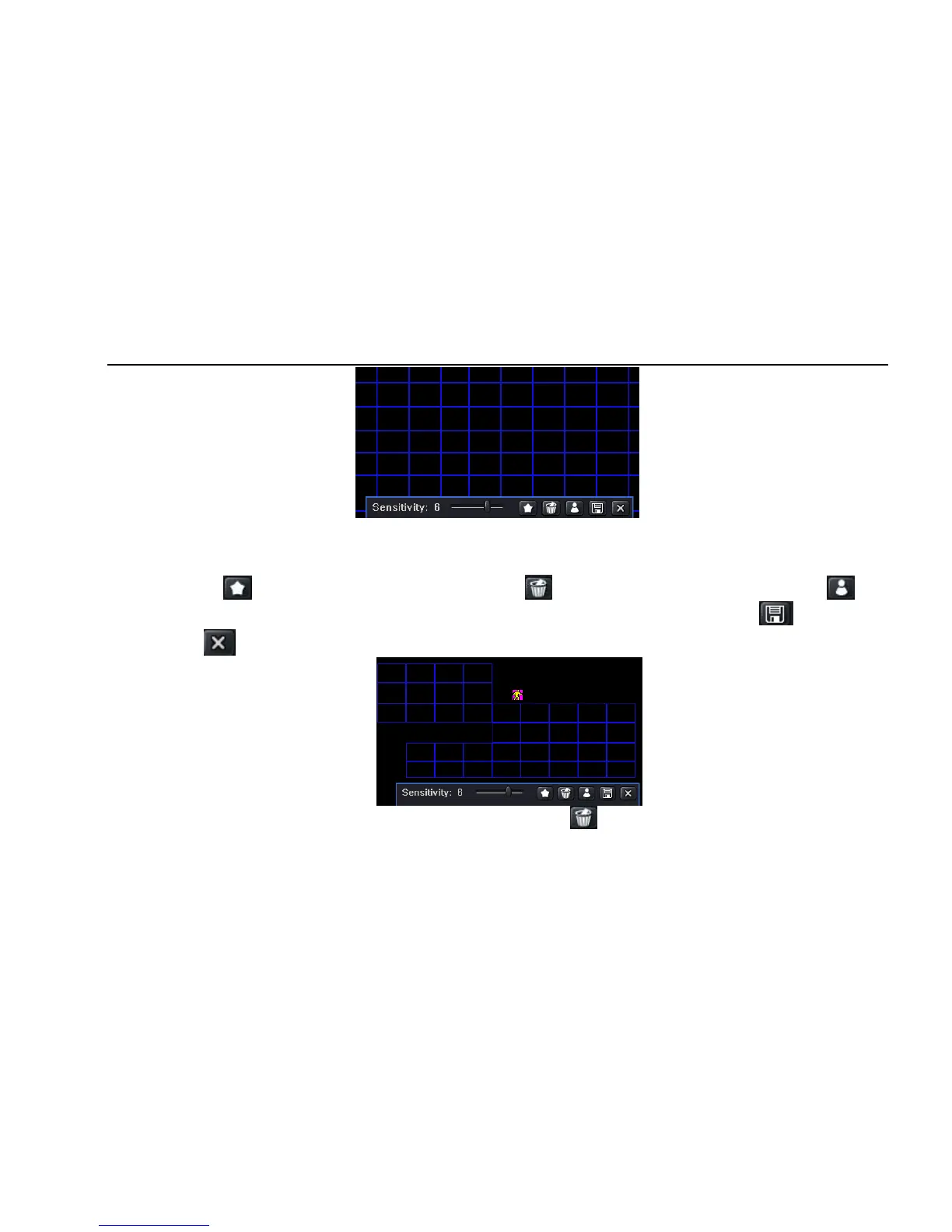
Fig 4-24 motion-area
Step5: in the Area interface, user can drag slide bar to set the sensitivity value (1-8), the default value is 4. The higher the value is the higher
sensitivity you get. Due to the sensitivity is influenced by color and time (day or night), user can adjust its value according to the practical
conditions; click icon, set the whole area as detection area; click icon, the set detection area will be cleared; click icon,
user can test whether the sensitivity value and motion area are suitable accordingly(refer to following picture); Click icon, to save the
setting; click icon, exit current interface.
Note: when user drag mouse to set motion detection area, they have to click icon to clear all set detection area firstly, and then
make the operation.



 To Next Page