Digital Video Recorder User Manual
52
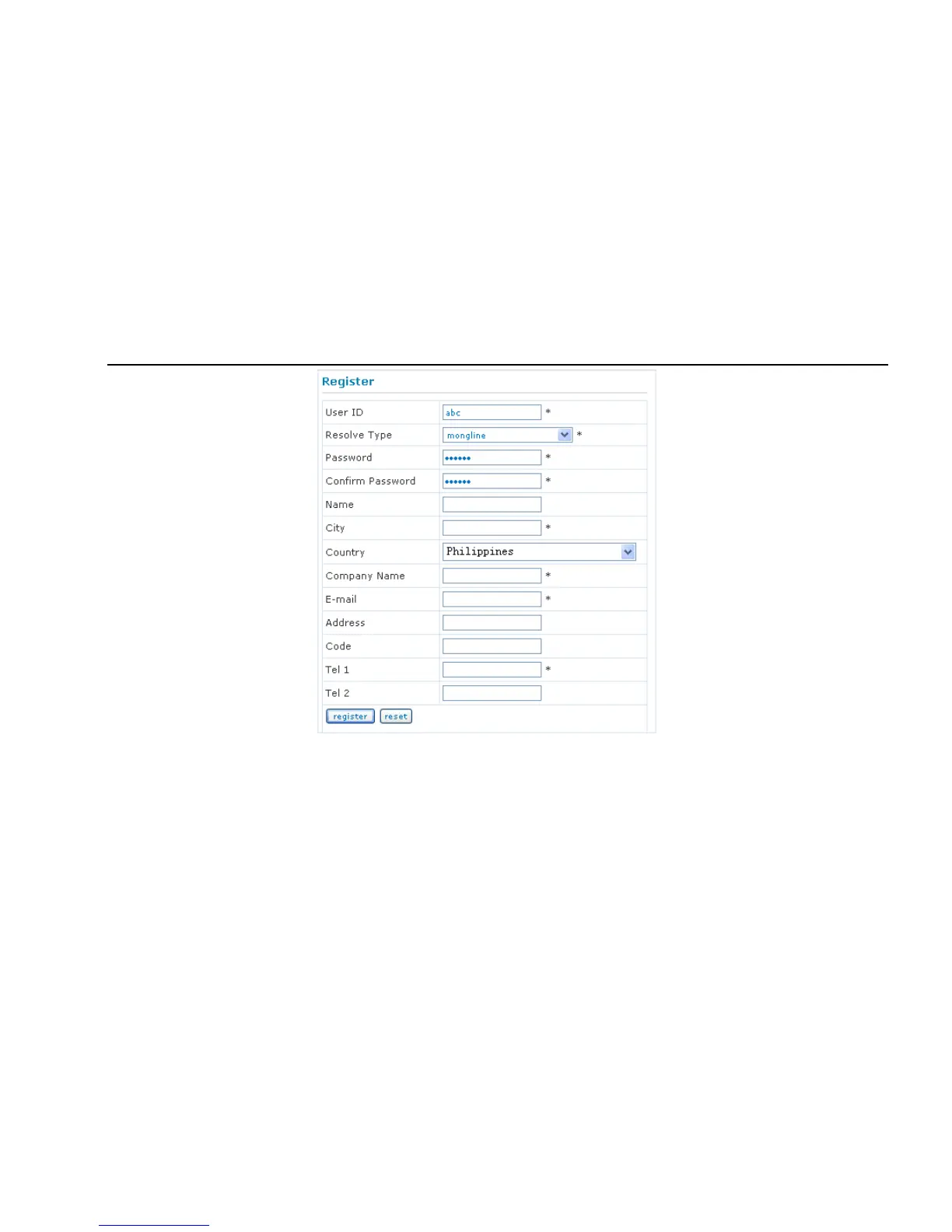
Fig 4-30 Register dialog box
(2) Login
Step 1: Return to homepage after registering successfully.
Step 2: Click "Account Manager" on the right of homepage to login.
Step 3: Input the username and password with the information that you have registered.
Step 4: Click "Enter" key after filling in the textbox.



 To Next Page