Digital Video Recorder User Manual
74
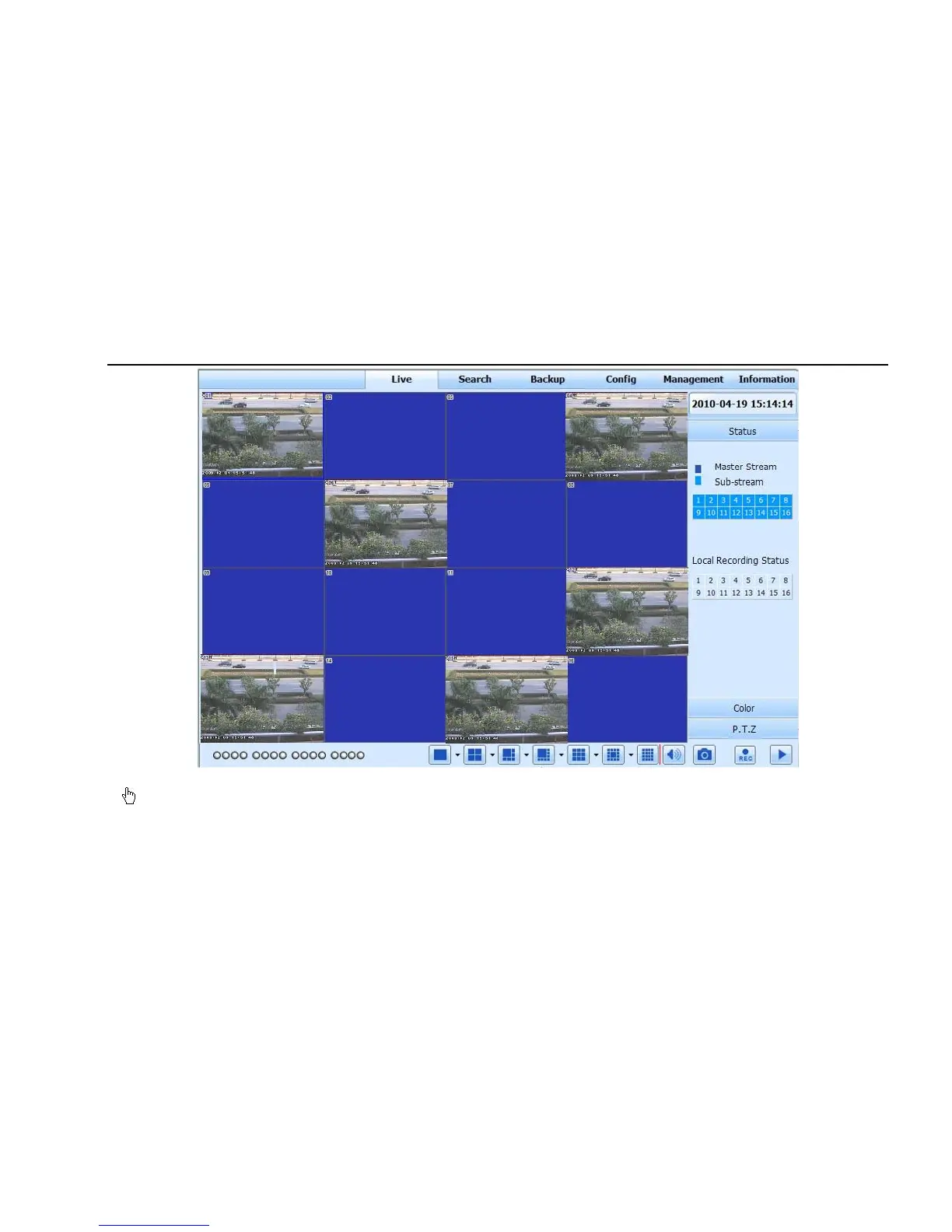
Fig 7.1 View with IE browser
Notice: If HTTP port is not 80, other number instead, need add the port number after IP address. For example, set HTTP port as 82, need
input IP address like 192.168.0.25:82.
User name and password here are the same with that used on the DVR. The default is admin and 123456.



 To Next Page