Digital Video Recorder User Manual
90
Step5:
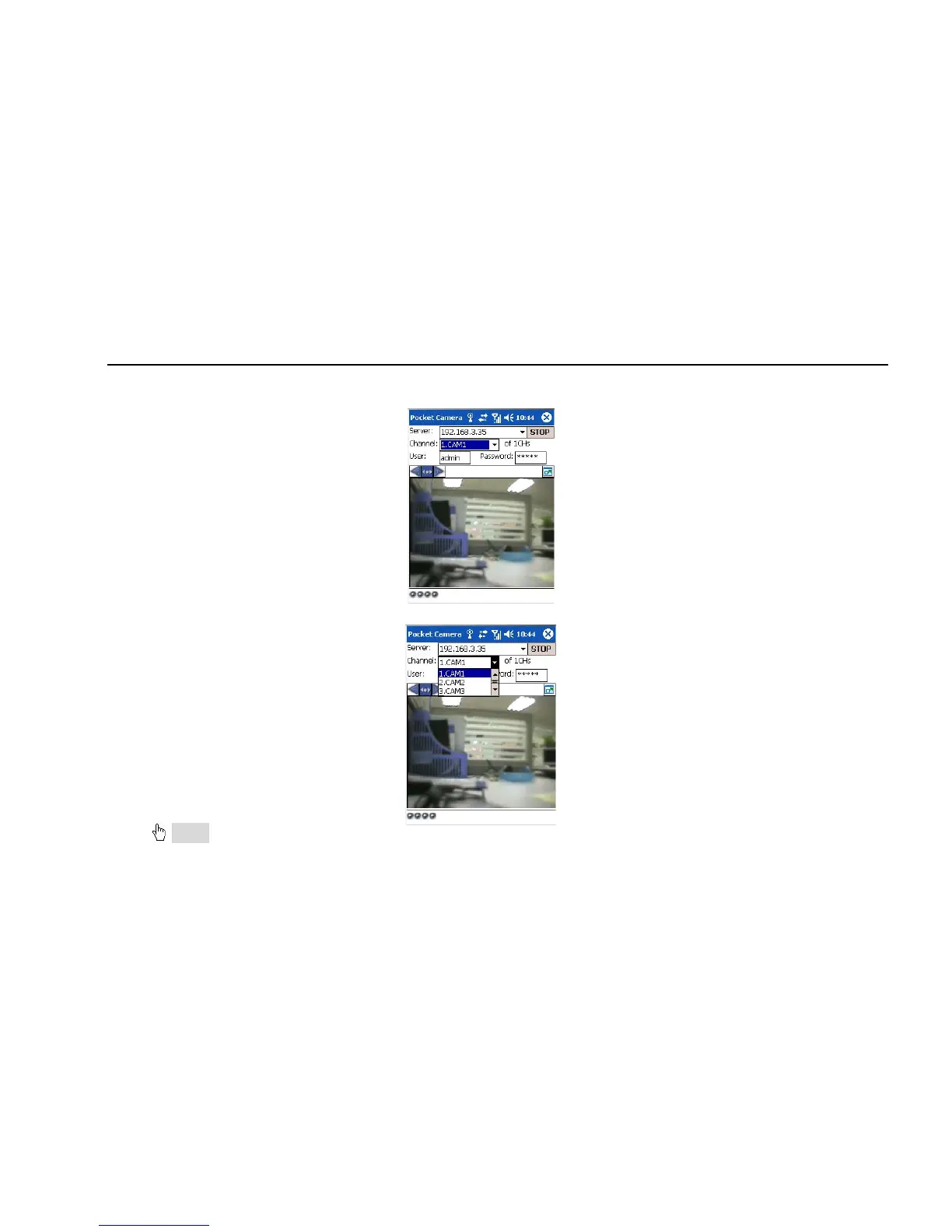
Input the server’s address, ID and password respectively in the columns of “Server”, “User” and “Password”, and click “Go” to log on the
server. It will show the picture if access successfully.
Step6:Camera 1 is the default channel after login. Change the channel in rolling-down menu of “Channel”:
Notice: User name and password here are the same with that used on the DVR. The default is admin and 123456.



 To Next Page