Digital Video Recorder User Manual
98
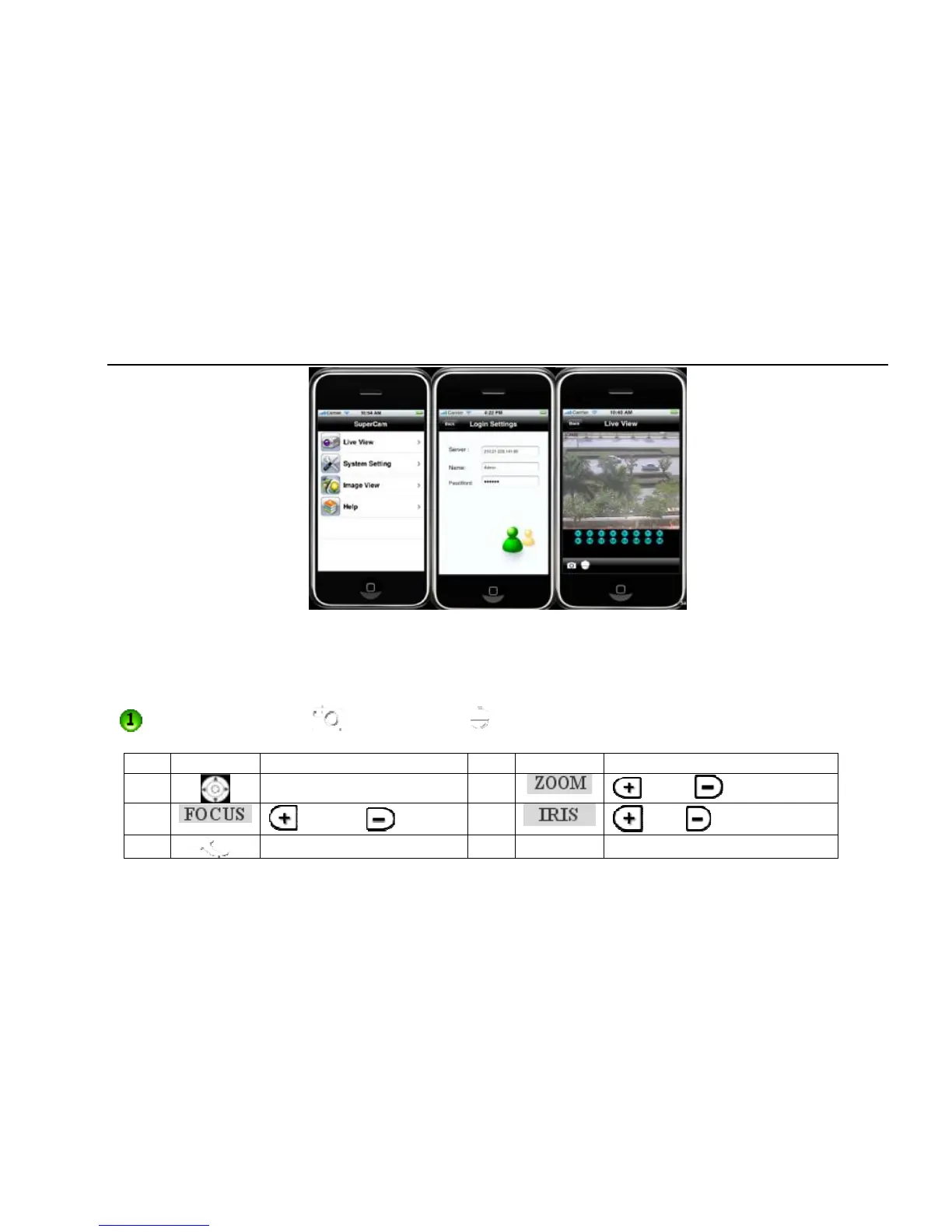
Pic1 Pic2 Pic3
Live View
After successfully installed SuperCam software, Click on System Setting (Pic 1), and then input Server IP address or Domain, User name and
password to log in (Pic 2). If connected successfully, it will go to Live View of CH1 as default (Pic 3), please choose other desired channels from
channel button underneath. Meanwhile, please note below functions:
1. : Switch channels 2. : Picture snap. 3. : PTZ control (if server camera is PTZ Camera only) (pic4)
PTZ Control buttons:
Item Buttons Explanations Item Buttons Explanations
1
pan 2
Zoom in Zoom out
3
Long Focus Short Focus
4
Lighter Darker
5
return to live



 To Next Page