Piccolo 30 from 82
www.lt-light.com
X1 & X2 LEDs, with arrow form, show the direction that the faders must be moved to complete
a manual cross-fade
To accelerate or decelerate all times of the cues for the Crossfader, there is a time control
possibility with rotating encoder; this function is activated pressing [RA.TE] (LED on).
To modify the scene/cue in the Crossfader (cue in X1):
Take care that X1 is at FF in scene (otherwise this command does not work).
Do the desired changes, using the channels fader or the keyboard, and when the scene is as desired
for cue in X1, press:
[MD.FY][MD.FY]
To empty all cues from the Crossfader, press:
[DELETE] [ASSIGN]
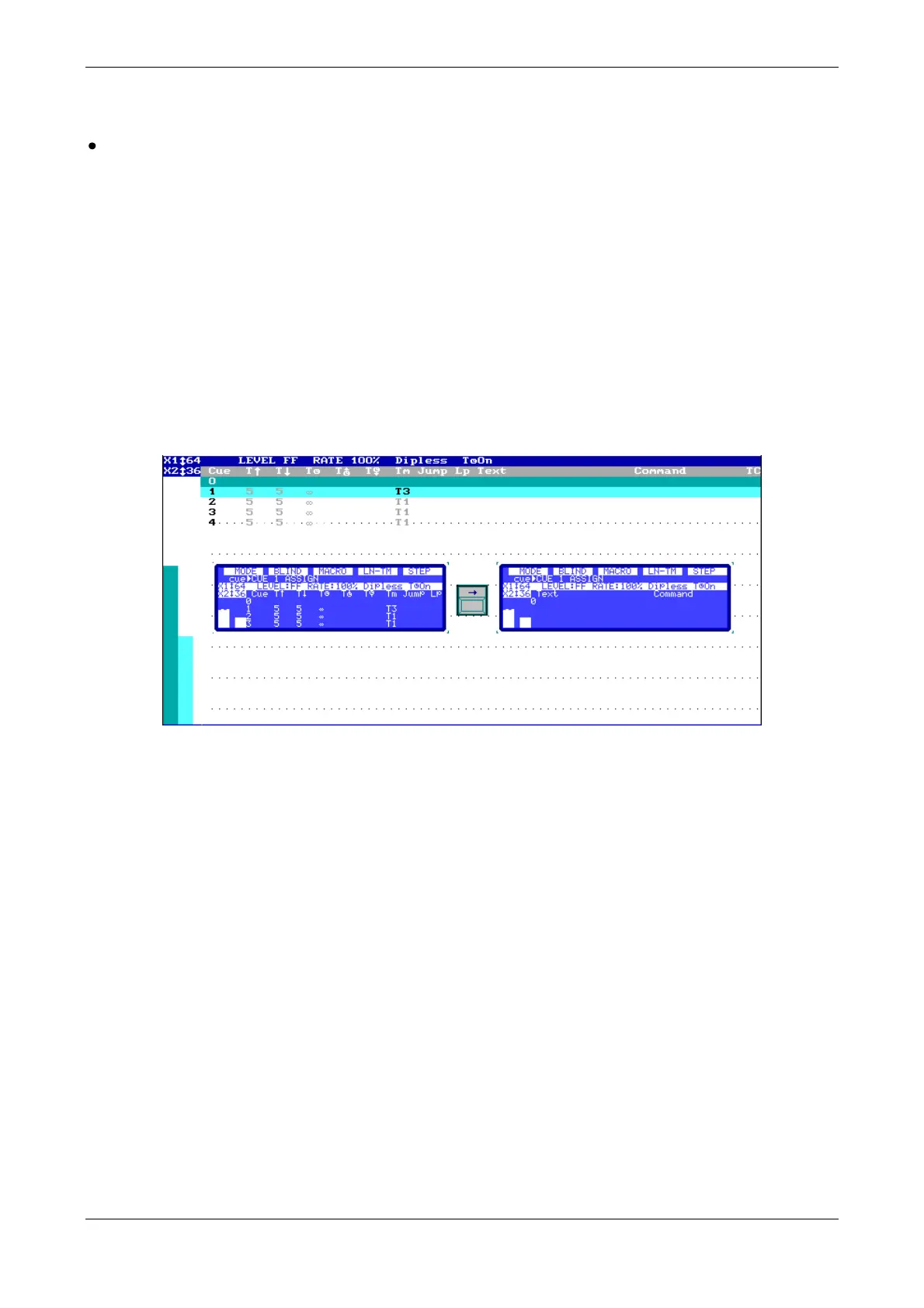
Crossfader in monitor and display:
18.1. CUE LIST IN SUBMASTERS
It is possible to execute in cross-fades, cue to cue, as a cues list in a Submaster. This list can be
executed manually or with [GO] commands. To load the list in a Submaster, press:
[CUE] [#] [THRU][#][LOAD] [S#]
Move S#, from end to end, or press [S#] to execute a cross-fade, manually or automatically.
It’s possible to initiate the cue list, inserting a blackout cue (cue 0) as next cue, pressing:
[5.B]STEP (hold down) [S#]
18.2. INITIALITATION FOR CUE LIST
There are two options in the setup menu; these options allow setting an automatic repeat mode for
the cue list executed in submasters or in the sequence. If the corresponding option is enabled, after
that the last cue (of the loaded list) is executed, the list is then automatically reloaded again by
loading the first cue in X2 and the cue list is then ready to be executed again.
These options are inside menu 31: Playbacks



 To Next Page