Piccolo 77 from 82
www.lt-light.com
Spd: Speed of the DMX output.
Break: Break time for the DMX output
MAB: MAB time for the DMX output
Read eBOX user manual to obtain complete information about.
From this menu (79 1) it’s possible to configure all the eBOX (new and previous
version of eBOX). The new eBOX accepts all the configuration parameters, and
the previous eBOX only accepts basic parameters.
VERY IMPORTANT:
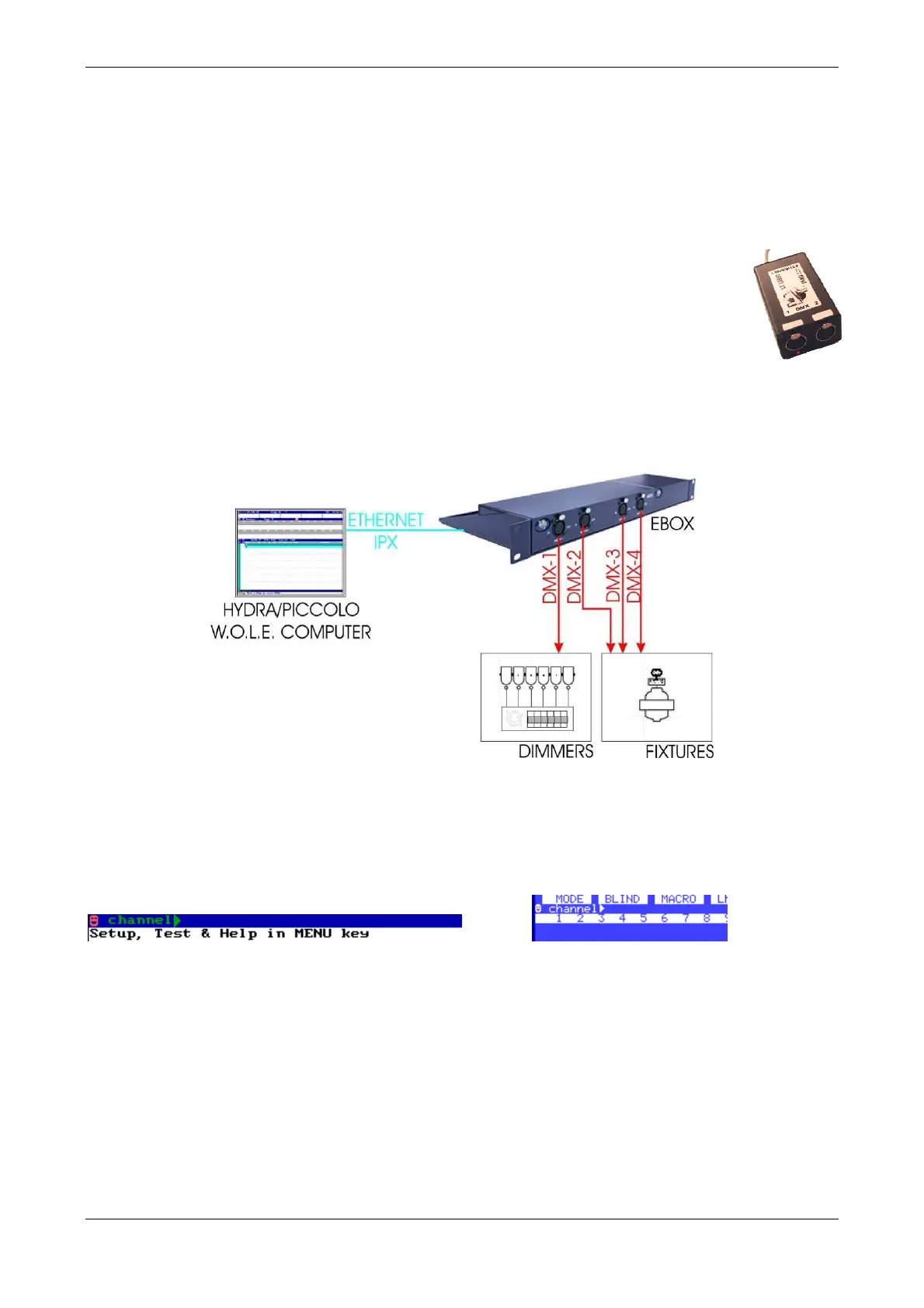
Connecting an eBOX with any Piccolo & Piccolo Scan simulators, you can use a
Piccolo Simulator (WOLE) as a PC-Console. In others words, when a WOLE detects a connected
LT eBOX to the PC, it can work as PC-Console.
When Piccolo (or WolePiccolo) is transmitting DMX signal by Ethernet, in the command line you
can see the next symbol: , in both monitor y/or display,
ó



 To Next Page