Data Logging
User Interface Guide
- 29 -
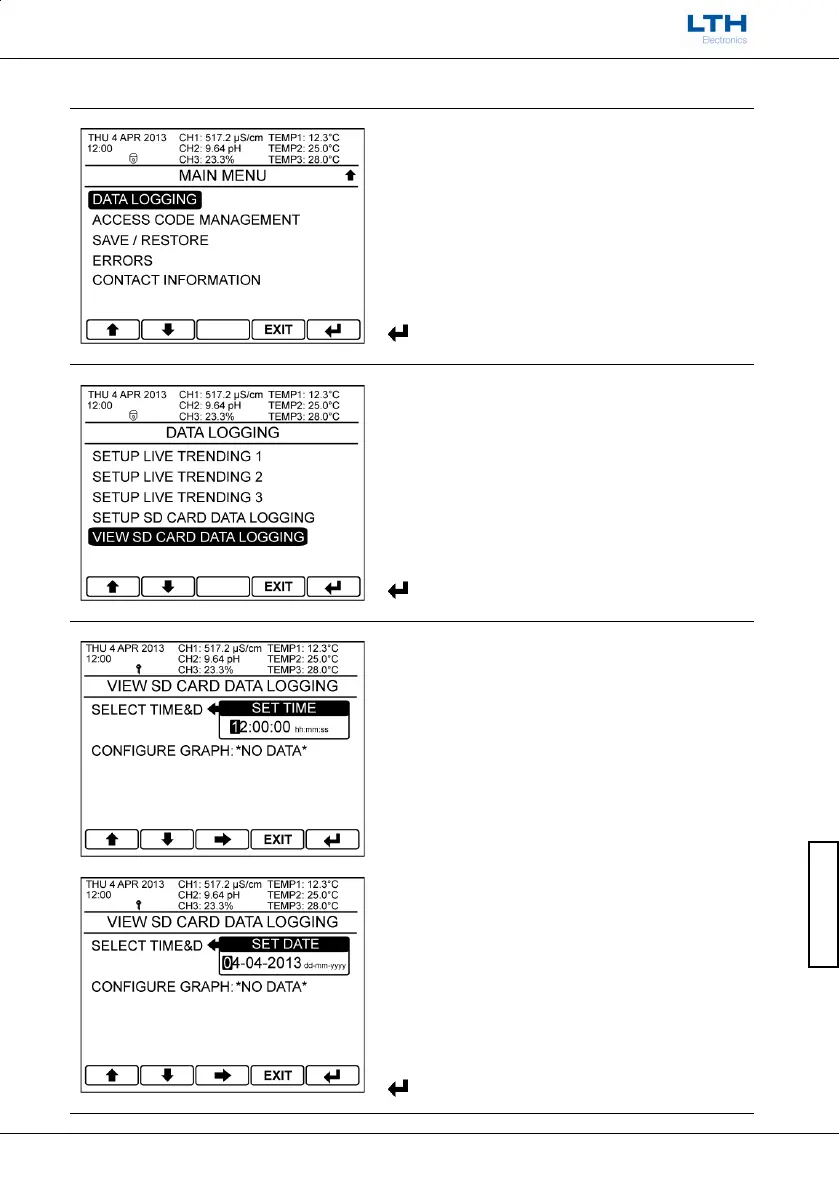
View SD Card Data Logging
Main Menu
From the front screen press the menu button to
show the main menu options and select Data
Logging.
Data Logging
Select View SD Card Data Logging.
Select Time & Date
Enter the time and date of the data to be viewed. If
the SD card contains no data at the selected time and
date then the configure graph shows *No Data*.
Note. If the SD card contains many files then there
may be a delay whilst the card is searched.
– Increase / Decrease Digit



 To Next Page