19
Performing a Test Cycle
A single manual “test cycle” can be performed on the timer without connecting to a computer.
There are two ways to initiate a test cycle.
1) The truck timer has been equipped with a red test cycle switch in the timer cover.
2) A Smart Switch can be installed in the dashboard.
Note: On older 50.005 solenoids there is a manual-cycle bypass integrated into the
solenoid body that can be turned ¼ turn to initiate a single cycle as long as there is
sufficient pressure in the air tank connected to the solenoid.
For further details about the operation of the manual-cycle switch on the solenoid, please refer
to the following section. (Pg. 22)
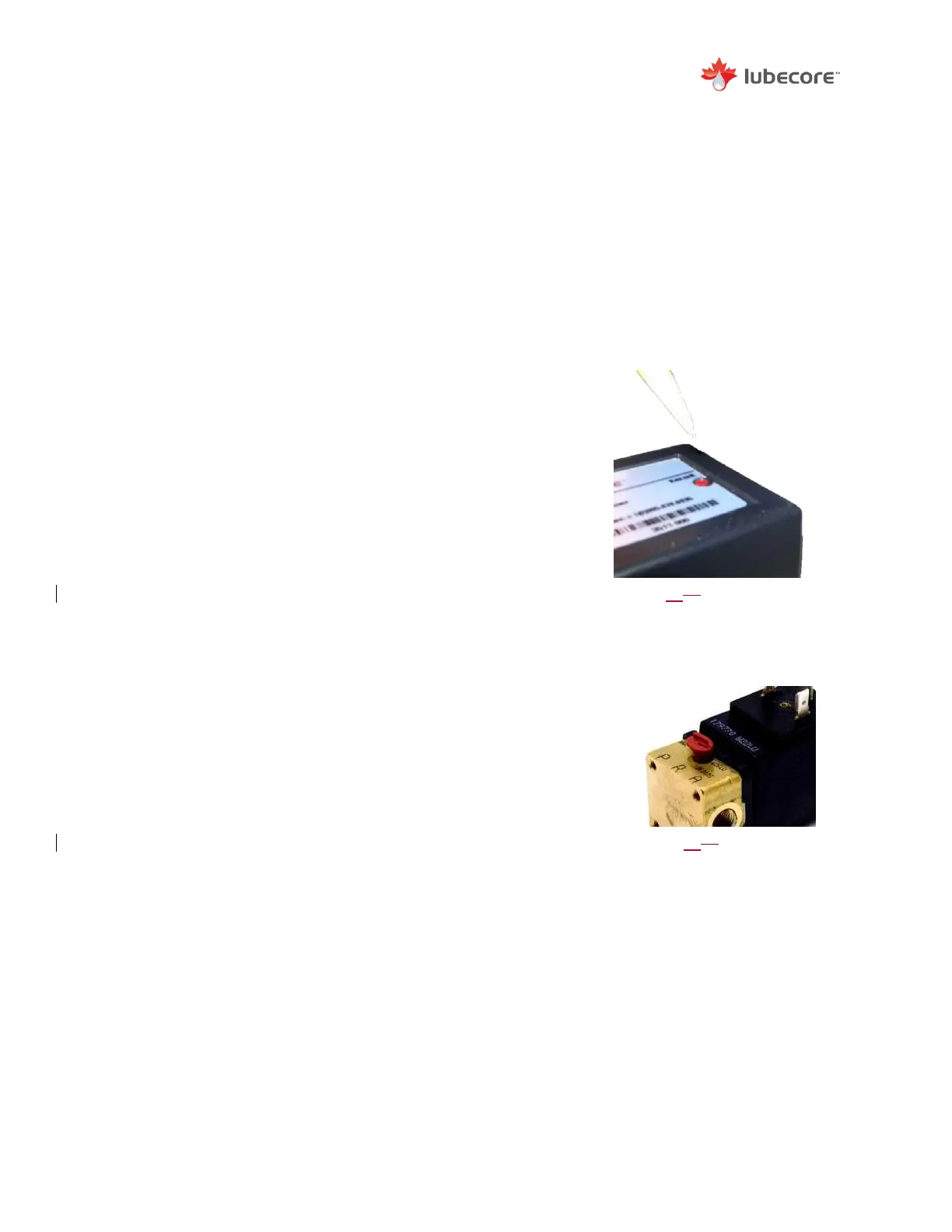
Red Test Button
To prevent accidental operation of the ALS, the red button has
been set below the top cover of the timer enclosure.
To engage a test cycle:
1) Set ignition to auxiliary position and ensure that there is
a minimum of 100 psi of pressure in the onboard air
tank.
2) Using a small instrument (pencil), press the red test
button located in the timer cover and hold for 3 seconds
before releasing.
The timer will perform a single lubrication cycle as programmed.
Accelerated Test Cycles
Depressing the red test button on the timer or depression the
dash mounted smart switch for a duration of 10 seconds initiates
a continuous “accelerated” test cycle.
The timer will engage the solenoid for 15 seconds (working time)
and subsequently disengage the solenoid for 15 seconds. This
accelerated cycle of 15’s on and 15’s off, will be repeated until
the ignition is turned off.
Figure 1618
Manual Cycle Switch on
the Solenoid. (50.005)
Figure 1517
Location and Method to push
Test Button on Timer.


 To Next Page