20
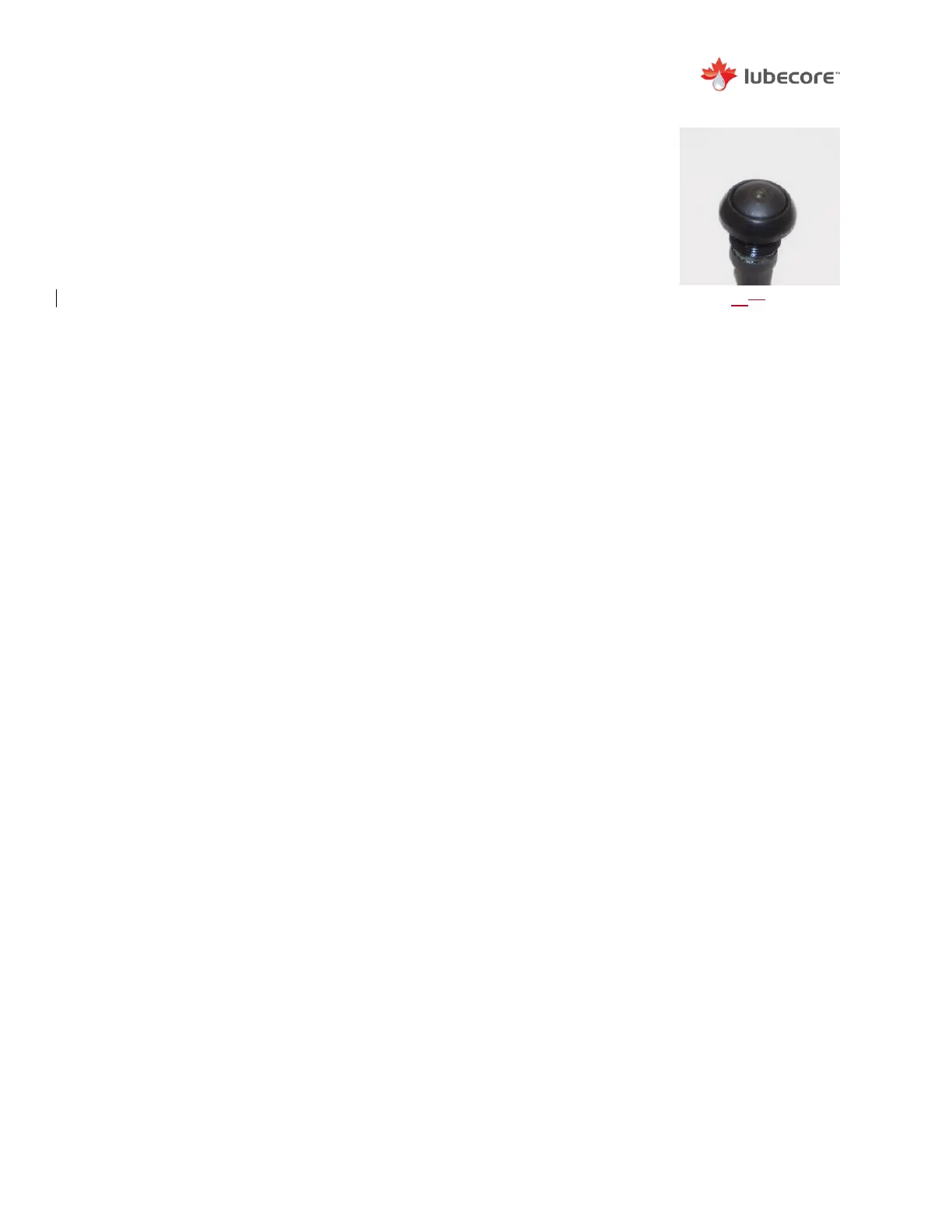
Smart Switch Option
To engage a test cycle with the external switch:
1) Set ignition to auxiliary position and ensure that there is a
minimum of 100 Psi of pressure in the onboard air tank.
2) Press the Smart Switch and hold for 3 seconds. While
depressed, the light will momentarily illuminate, until the
pressure switch closes, this communicates to the operator
that a test cycle has been initiated.
The timer will perform a single lubrication cycle as programmed.
The Smart Switch also allows the user to completed accelerated
tests with a 10 second press and hold.


 To Next Page