31
Performing a test cycle
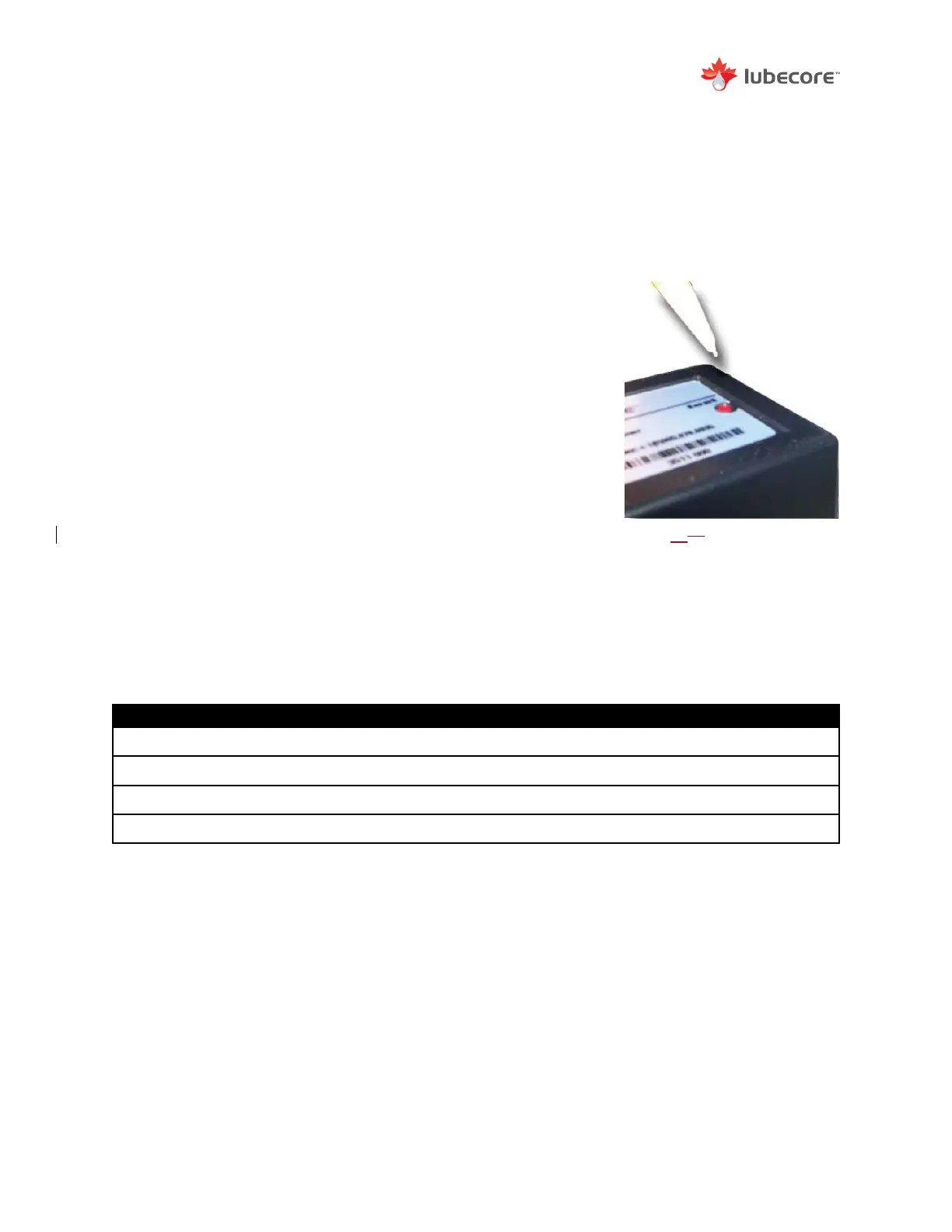
The basic timer has a red test cycle switch in the timer cover, similar as to the MKII
truck timer. This red button can be used to initiate a single lubrication cycle. An
accelerated test cycle is not available.
Red Test Button
To prevent accidental operation of the ALS, the red button
has been set flush with the cover.
To engage a test cycle:
1)
Ensure 100 psi in onboard air tank
2)
Set ignition to auxiliary position.
3)
Using a small instrument (e.g. pencil) and press the red
test button located in the timer cover.
The timer will perform a single lubrication cycle as
programmed.
Table 4 – Timer Technical Specs
Basic timer specification Based on Model 12.015
Alarm Light Output Current Max
Figure 2527
Location and Method to Push
Test Button on Timer.


 To Next Page