36
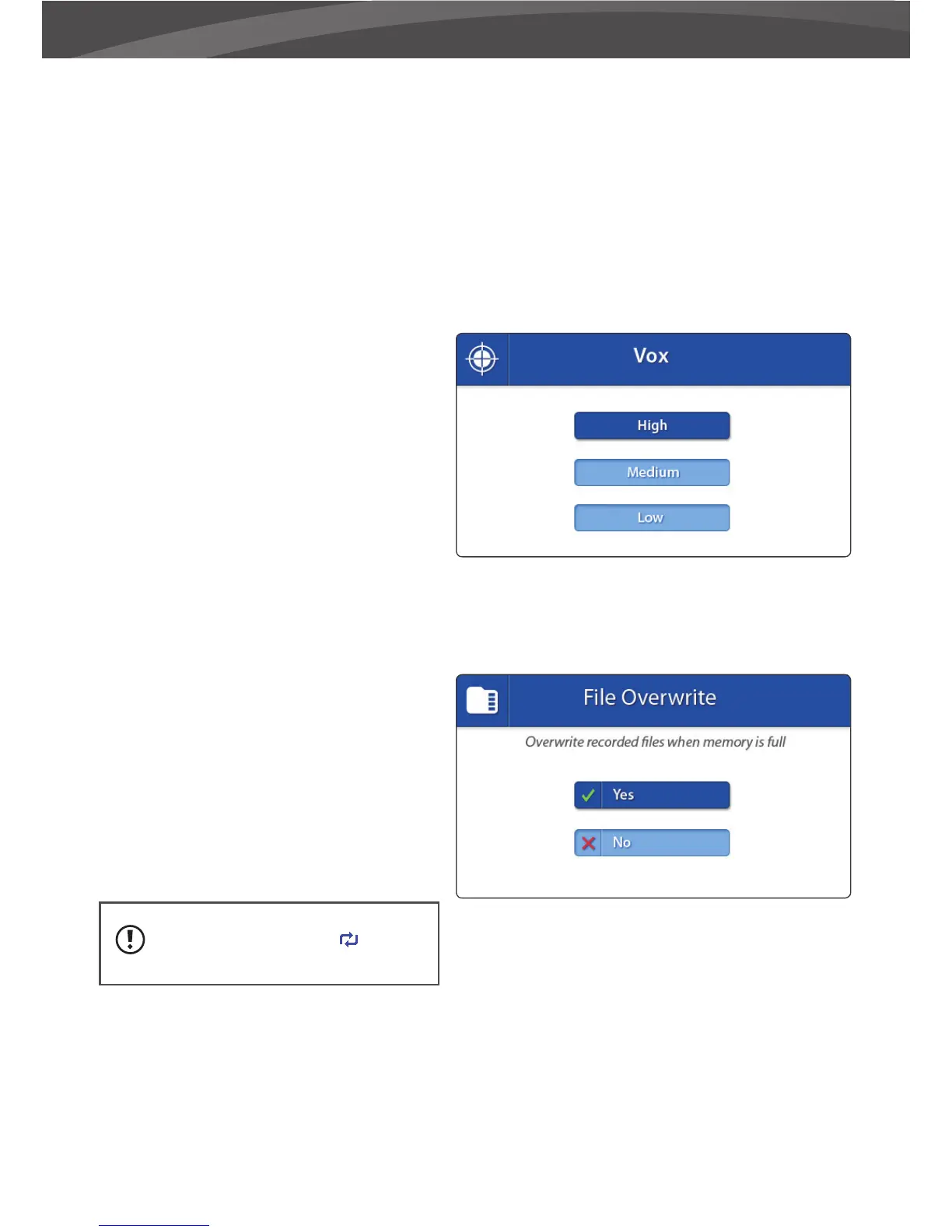
Adjust sensitivity Power Save (sensitivity -
VOX)
> Press menu buton
> Choose VOX
> Choose from the menu options [High]
[Medium] [Low] to set the sensitivity.
When VOX sensitivity is set higher, softer
sounds will be detected.
OVERWRITE
You can overwrite earlier recorded les when
the memory SD card is full.
> Move the joystick up and down to select
Yes/No.
> Press the joystick to con rm your selection.
When the overwrite function is
enabled the overwrite icon will
appear on the screen..
When the Low and High Temperature are
correctly set:
> To set the alarm navigate to the On button
and press the joystick. To turn o the alarm
navigate to the O button and press the
joystick.















 To Next Page