TV OPERATIONS
You can watch and/or record off-the-air (or cable) TV
programs with high quality sound, using a HI-FI VCR.
With a video monitor or TV receiver connected
according to the CONNECTION DIAGRAM, page 8 pro-
ceed as follows:
(1) Set the INPUT SELECTOR of the HI-FI VCR, con-
nected to the VIDEO-1 inputs, to the TV or TUNER
position.
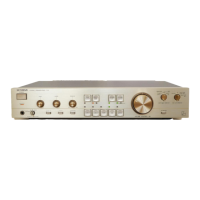
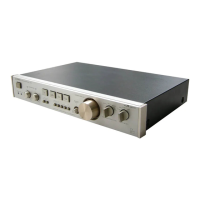
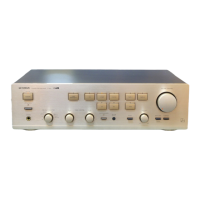
(2) Depress the VIDEO-1 INPUT Selector button on
the C-03.
(3) You can now view any channel selected by the HI-
FI VCR's tuner.
(4) A recording of the selected TV program can also
be made, while watching and listening to high
quality sound, by placing the VCR in the RECORD
mode.
If you have a TV monitor with stereo audio outputs,
these may be connected to the VIDEO-2 jacks for inde-
pendent TV operation with high quality stereo sound.
Proceed as follows:
(1) Turn the power OFF to the VCR connected to the
VIDEO-1 jacks on the C-03.
(2) Place the INPUT SELECTOR of the C-03 in the
VIDEO-2 position.
(3) Set the INPUT SELECTOR of the TV to the TV posi-
tion and tune desired channels.
NOTE: Be sure to consult the owner's manuals of the
VCR, TV monitor and other AN units for spe-
cific operational details.
e===============================~11"""""""""""""""".


 To Next Page
 Loading...