M2I Corporation Industrial HMI Touch Panel HW Installation Manual
M2I Corporation
M2I Bldg, 35-11, Jeonpa-ro 24beon-gil, Manan-gu, Anyang-si, Gyeonggi-do, 430-857, Korea. Tel :+82-70-465-3366,Fax:+82-31-465-3355 www.m2i.co.kr
10 / 23
No. Part Description
①
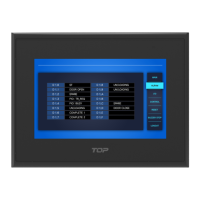
LCD
TFT 16M Color LCD
②
Touch Panel
Analog Touch
③
Front Sheeet Front Cover Sheet for Damp Proof and Dust Proof
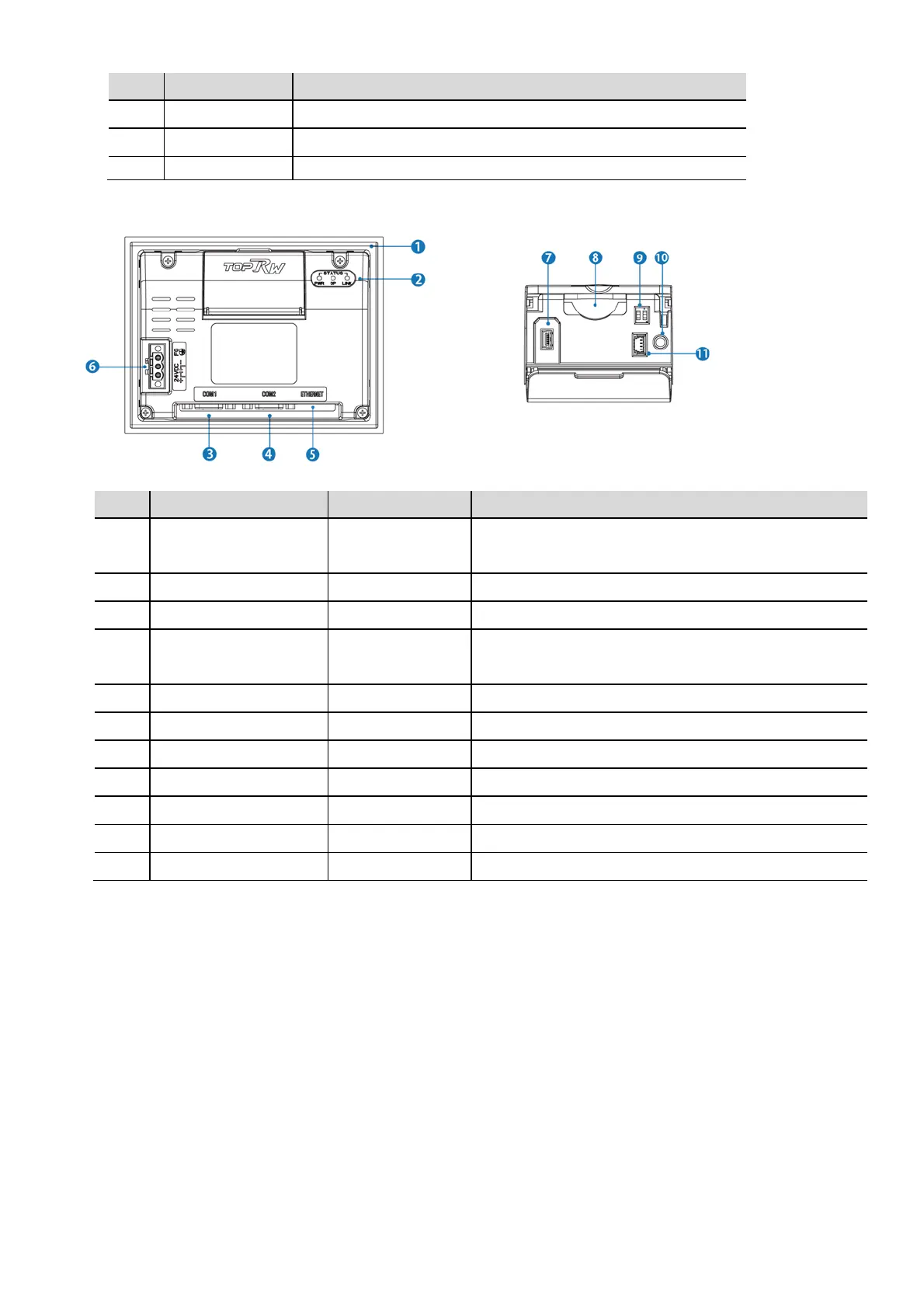
4.1.3 Rear Part Names and Specifications
No. Part Form Description
①
Rubber Packing - Silicone Gasket for Impact Buffering and IP Securing
for Wall Mounting
②
Status LED 3 Status of Power, Communication and CPU
③
COM1 Connector DSUB9 RS-232C Serial Comm. with PLC
④
COM2 Connector DSUB9 RS-232C/422/485 Serial Comm. with PLC
(Switchable the Comm. Via Software)
⑤
ETHERNET Connector RJ45 10BASE-T/100BASE-TX, Auto-MDIX
⑥
Power Input Terminal TB 5mm 3P Power Supply of Main Unit(DC 24V)
⑦
USB Connector
MINI USB Type AB
USB Connectors for Storage Options
⑧
SD Card Slot SD Card Slot SD Card Insert Connector
⑨
Mode Switch DIP Switch 2Digit Set Up System Switch
⑩
Reset Switch Tact Switch System Reset Switch
⑪
Diagnose Connector 2mm 4P Diagnose System (Manufacturer Only)


 To Next Page