PRE-DELIVERY CHECKS
Form 169018 49 Revision C
g. Rotate operator’s seat to engine-forward mode.
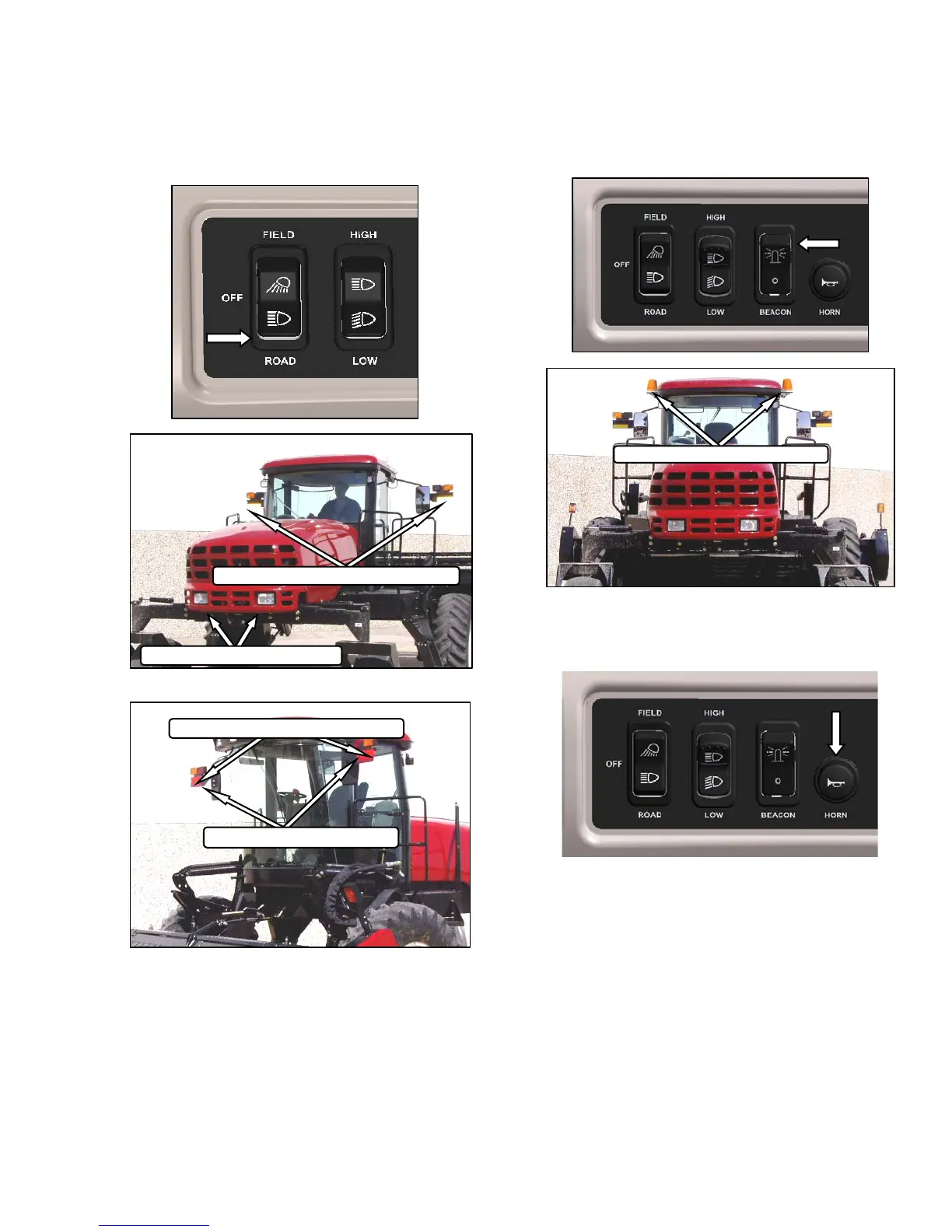
h. Switch on ROAD lights, and check that all lights
are functioning as shown below.
i. Activate HIGH/LOW switch, and check lights.
j. Activate turn signals and hazard warning lights
with switches on CDM, and check lights.
VIII. BEACON (IF INSTALLED)
a. Turn on ignition, and activate beacon switch.
b. Check beacons are working.
IX. HORN
a. Push HORN button, and listen for horn.
BEACON LIGHTS - AMBER
FRONT - ENG FWD
REAR - ENG FWD
TURN SIGNALS / HAZARDS - AMBER
HIGH / LOW LIGHTS - ROAD
TAIL / BRAKE LIGHTS - RED
TURN SIGNALS / HAZARDS - AMBER



 To Next Page