Get Started.
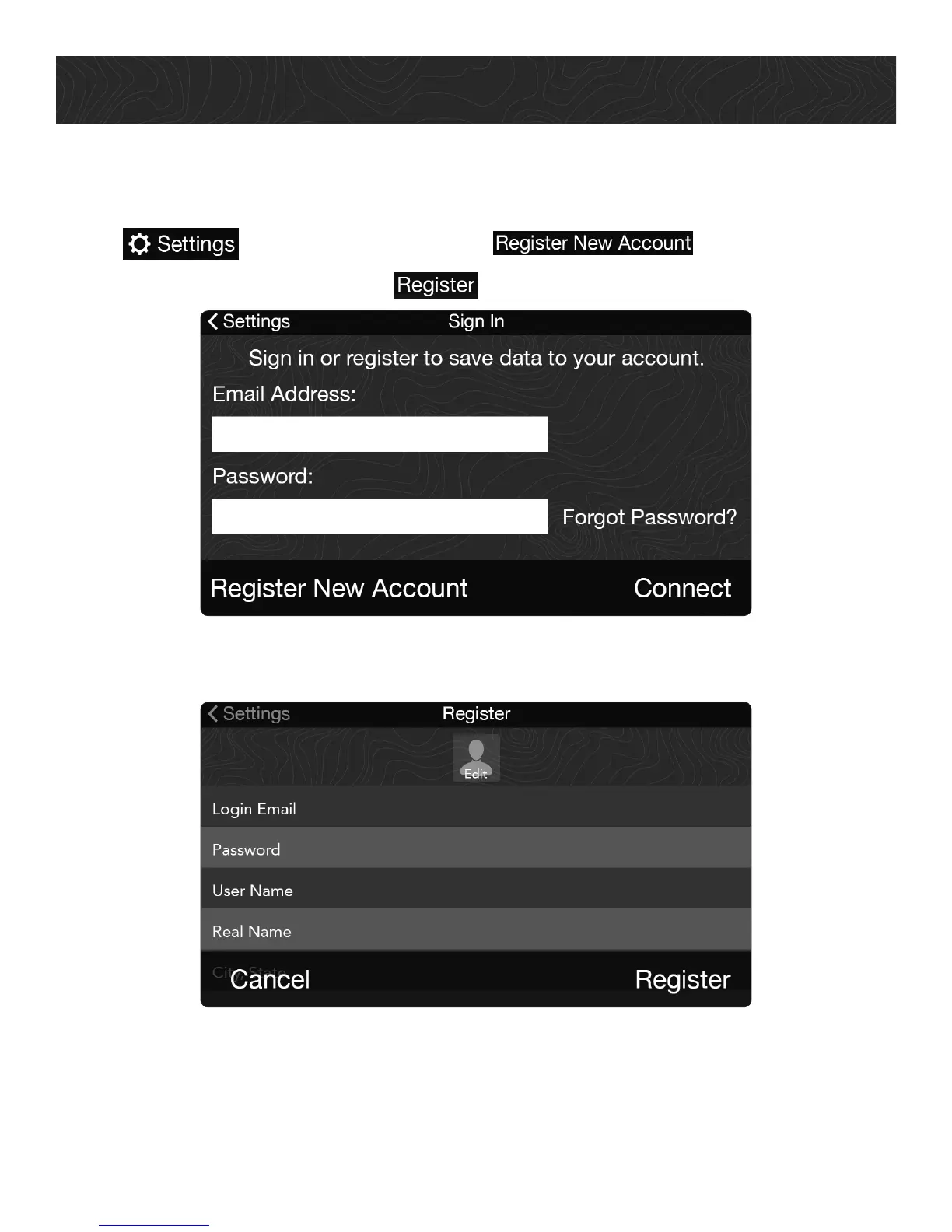
4. Create Your TRX Account.
You MUST create a TRX account for your TRX7 to work properly.
1. Tap from the Dashboard > tap
2. Enter your account details > tap to create your account.
IMPORTANT: Use your existing MagellanGPS.com credentials to create a TRX account.
When you create your TRX account, your TRX7 is automatically registered to the
account. You’ll receive a confirmation email once your account has been created.
10















 To Next Page