Go Riding.
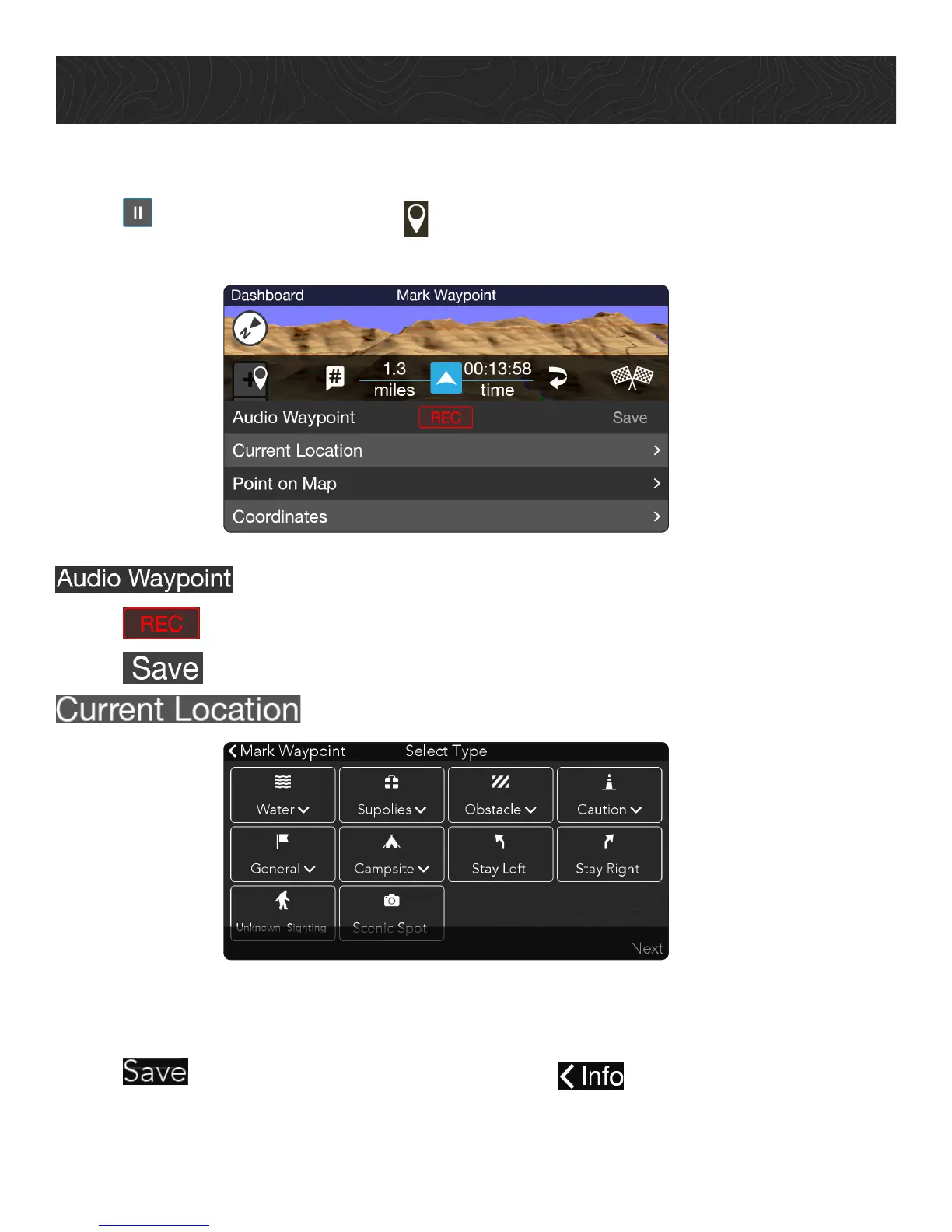
To save a Detail Waypoint:
1. Tap to pause your Track > tap .
2. Tap Detail Waypoint option.
: Record custom audio message.
1. Tap > record your message.
2. Tap to save Audio Waypoint.
: Select Waypoint for your location.
1. Tap Waypoint type > choose applicable Waypoint sub-type > tap Next.
2. Enter Waypoint name and comment.
3. Tap to save the Waypoint to your Track, or to return to the Detail
Waypoint options.















 To Next Page