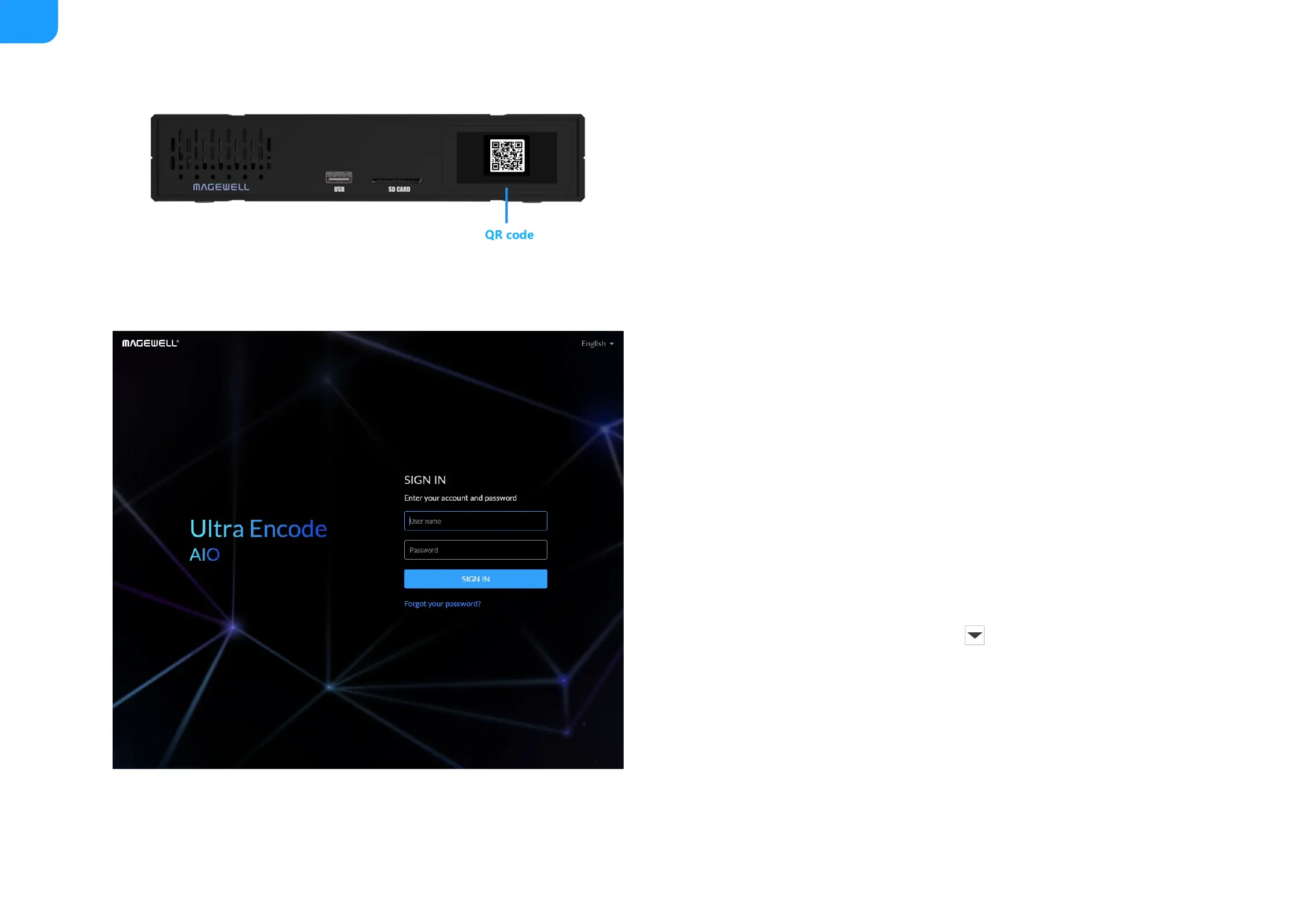
Sign In/Out
The Web UI allows multiple users to have read/write access to make
configuration settings at the same time after logging-in. However, to avoid
configuration conflicts, we do not recommend you to operate one device
simultaneously.
1. Sign In: enter your account and password in the SIGN IN page.
2. Sign Out: click the down arrow symbol behind the logging-in
username at the top-right of the Web UI, and select Sign out.
The default administrator name and password are both Admin.
■
We recommend that you modify the admin password after initial
logging-in.
■



 To Next Page