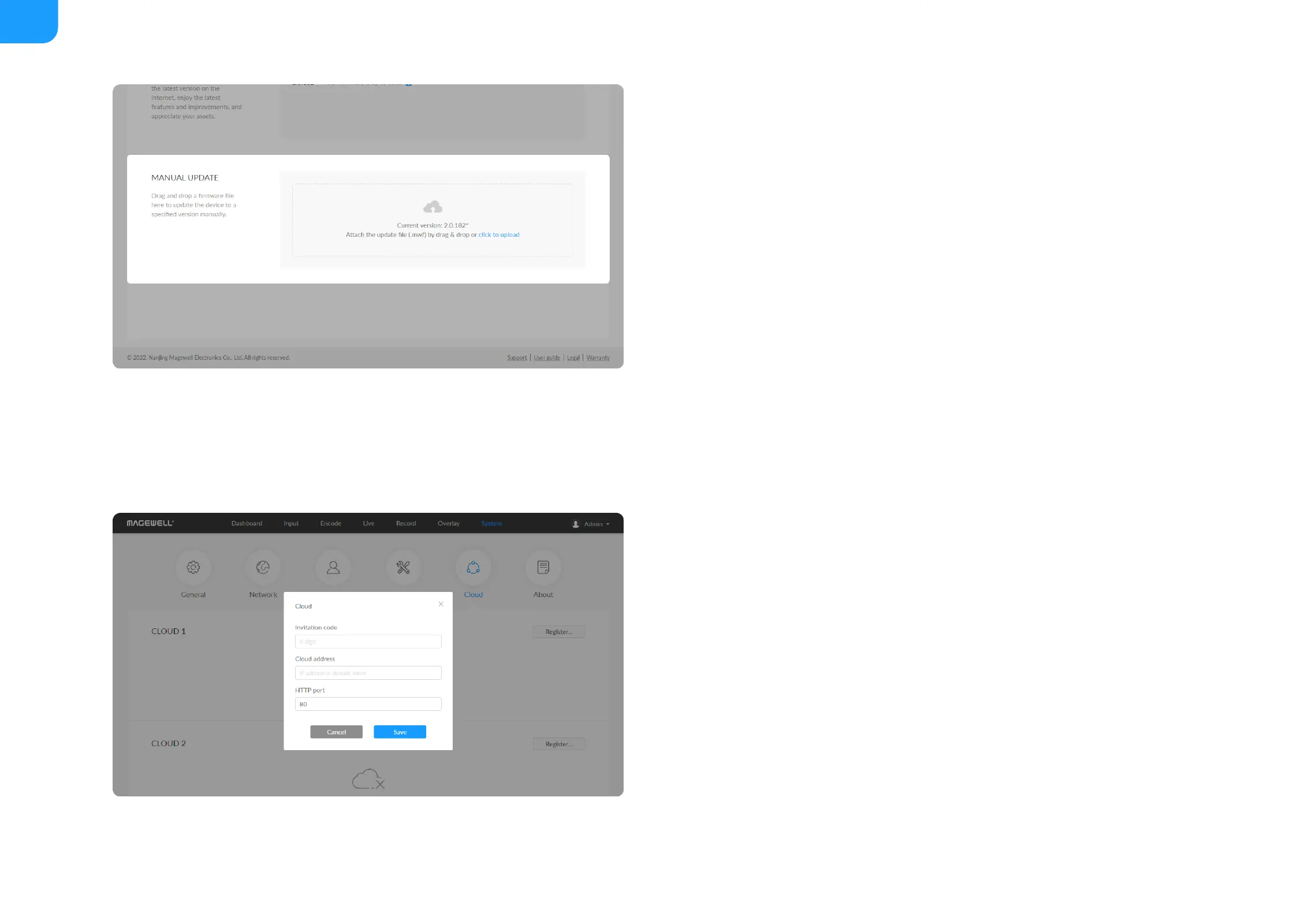
Manual Update
1. Click on click to update to select the .mwf firmware update file from your
SD card, or just drag and drop the file from your computer into the
upload zone.
Dowload firmware file from our official website.
The device will automatically verify the update file and upload the file after
the file verification is passed.
2. Click Update to download and install the new version file. Then the device
will reboot to complete the update.
Do not disconnect from the power source or perform any operation while
updating the firmware as this could demage your gear.
3.Verification: check the Firmware version in Dashboard or Firmware tab. It
should be the same as your target version number.
Cloud
You can apply for remotely control using Magewell Cloud. 2 cloud platforms
are supported simultaneously, Cloud 1 and Cloud 2.
Click Register... and input parameters in the prompted window. And save
after configuration.
■
Invitation code: a 4-digital numbers security code obtained from
Magewell Cloud. If not leave it empty.
■
Cloud address: input IP address or domian name of Cloud.
■
HTTP port: input HTTP port number, which should be consist with that
of Cloud.
■



 To Next Page