Manage Live Streaming Sessions
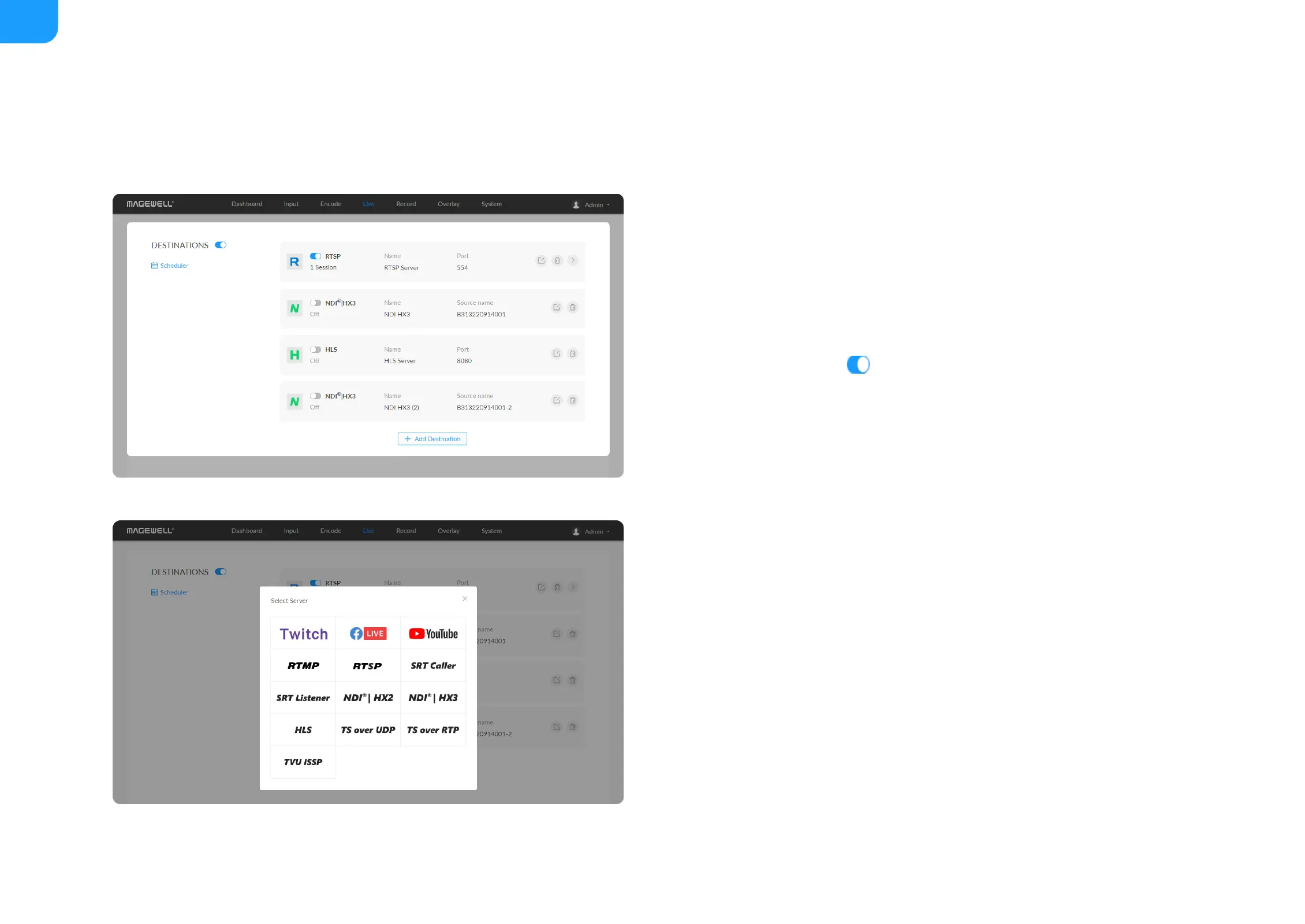
You can manually added, modify, or delete any of streaming sessions listed in
the Live tab.
Notes
Start/Stop Streaming
Click Edit to modify the parameters of the stream.
■
Click Delete to remove the source from the list.
■
Turn on/off the switch to start/stop streaming.
■
Click Add and select an RTMP, RTMPS, RTSP, SRT Caller/Listener,
NDI |HX2, NDI |HX3, HLS, TS over UDP/RTP, or TVU ISSP server to stream
to.
■
® ®
Supported streaming protocols - RTSP, RTMP, RTMPS, SRT Caller, SRT
Listener, NDI |HX2, NDI |HX3, HLS, TS over UDP, TS over RTP, and TVU
ISSP.
■
® ®
Allow simultaneous 6 sessions over multiple streaming protocols, containing
1 session of HLS, RTSP, or 2 NDI |HX2 (if included).
■
®
Exclusive NDI |HX3 cannot be streamed with other protocols
simultaneously and only 1 NDI |HX3 session can be enabled.
■
®
®
Specify the main stream or sub stream, even audio stream for each session.
■



 To Next Page