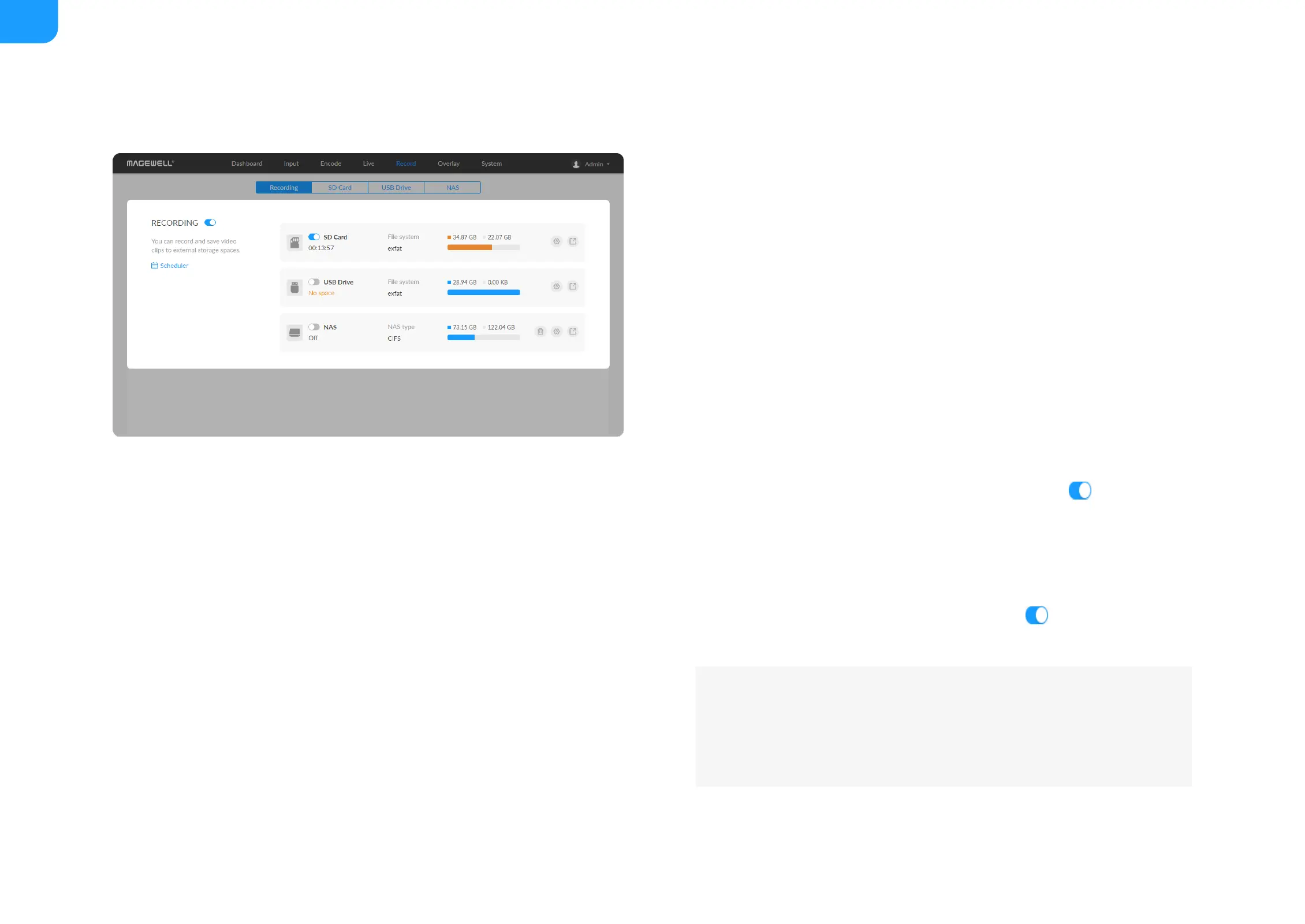
The device supports recording and saving videos to SD card, USB drive, and
NAS. 2 record tasks can be started simultaneously.
■
NAS can be deleted.
■
8 scheduler is provided for all recording tasks.
■
The device can automatically start recoding by enabling Auto-recording
with administrative rights.
■
To start recording immediately: you need to turn on the switch of one
seesion and the RECORDING switch.
■
To start recording automatically: you need to turn on the Auto-recording
with administrative rights and the RECORDING switch.
■
To schedule a recording: you need to turn on the switches of the
specified seesion(s) and scheduler(s).
Use the schedule function for your live stream, which will
be triggered, ended, repeated automatically on a chosen
day and time.
■
To stop recording immediately:
■
Tap the LCD of the device to switch to recording status, tap the status
■



 To Next Page