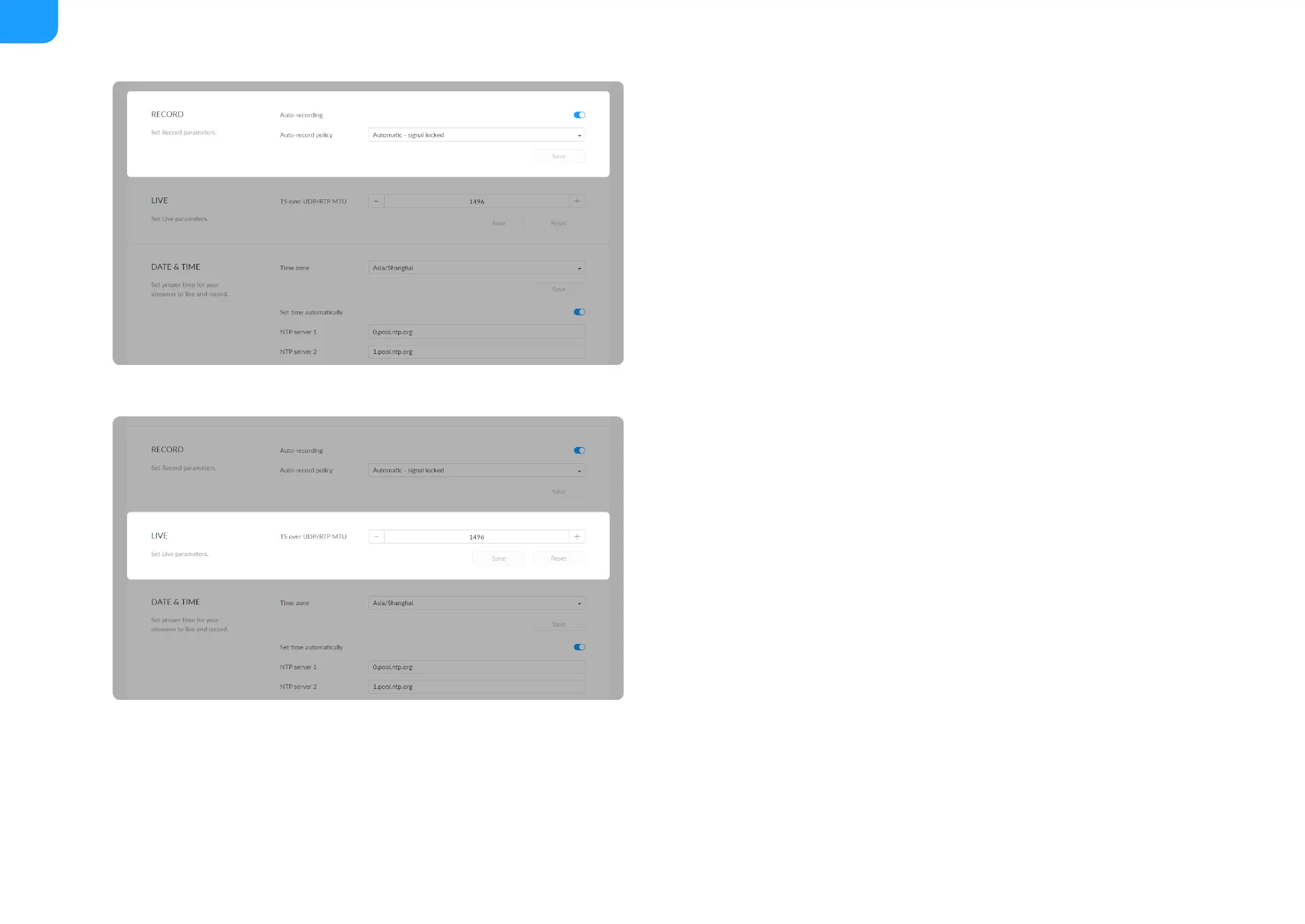
Auto-recording: it is off by default. If you turn it on , options are Automatic
- signal locked and Automatic - USB drive connected (recommended if you
need to record to USB). You need to turn on the specified record task switch
in the Record tab at the same time to make the auto-recording function
work.
■
Save: save current configuration.
■
TS over UDP/RTP MTU: specify maximum transmission unit (MTU) in bytes,
ranging from 228 to 1500. The default size is 1496.
■
Save: save current configuration.
■
Reset: reset parameters to default values.
■



 To Next Page