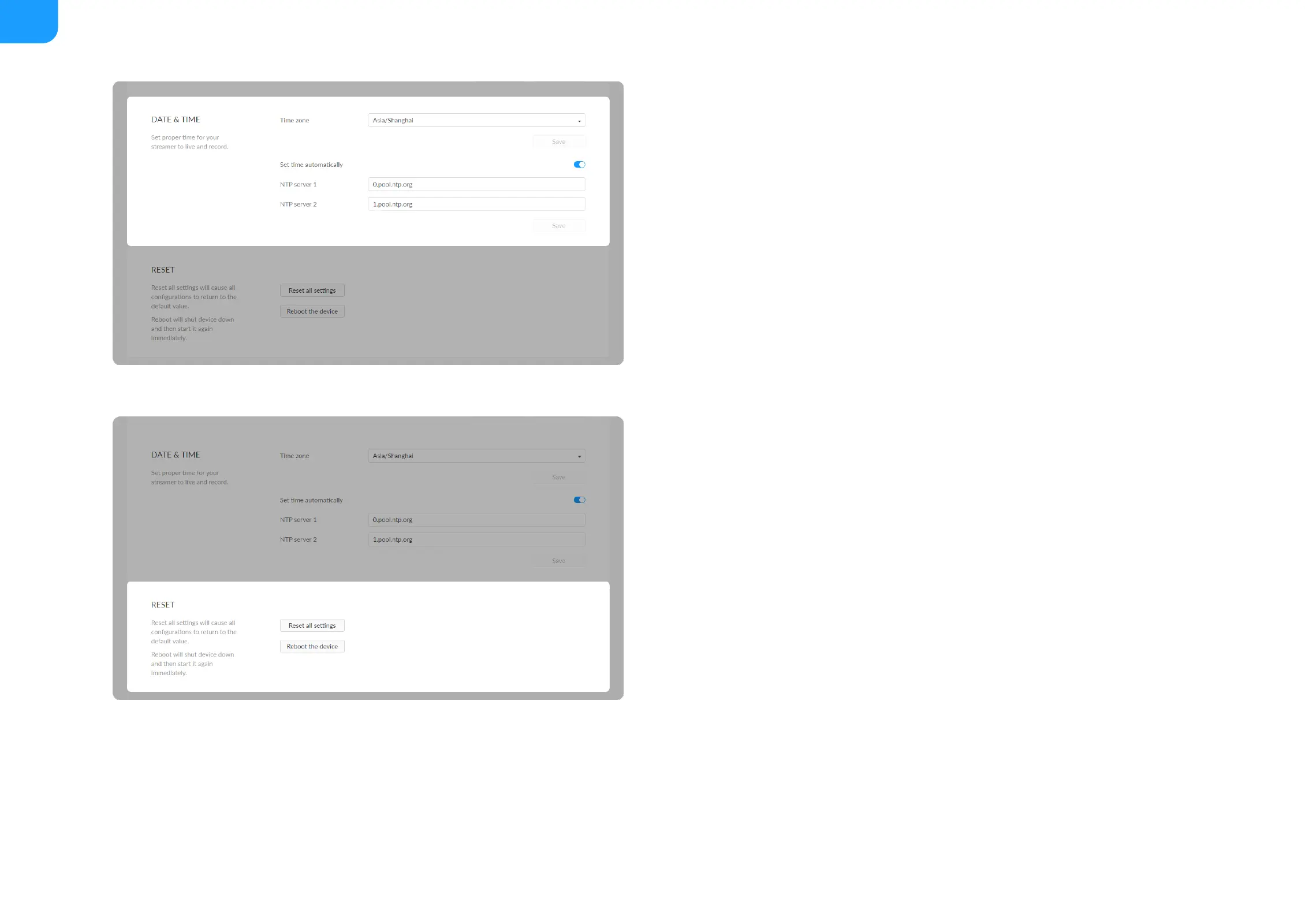
Time zone: specify a time zone for your device.
■
Set time automatically: turn on Set Time Automatically. Then the device's
time will synchronized to the world-time servers depending on the timezone
you set. Otherwise, you can set time manually.
■
NTP server 1: the default server is 0.pool.ntp.org.
■
NTP server 2: the default server is 1.pool.ntp.org.
■
Save: save current configuration.
■
Reset all settings: be cautious that resetting your device would restore
configurations to defaults.
■
You can Reset all settings on the "SIGN IN" page, when the device is
connected to PC via USB NET.
■
Reboot the device: power off the device and restart it when it does not
work.
■



 To Next Page