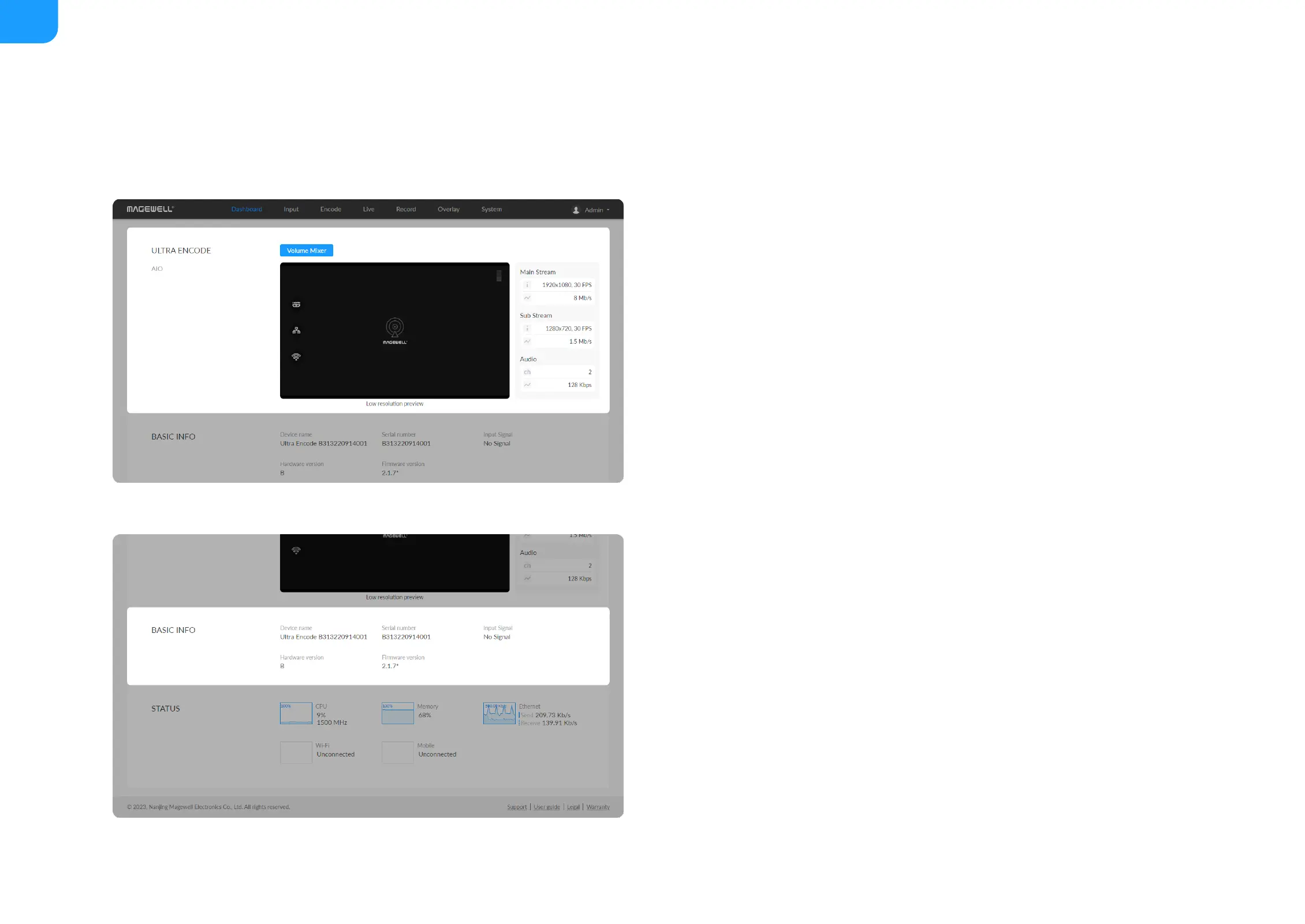
Device name: device name of your unit. You can modify the device name in
the System > General > Device name section.
■
Serial number: serial number of your unit, which is also marked on your
device.
■
Input Signal: current input signal format.
■
Hardware version: hardware version of your unit.
■
Firmware version: current firmware version that is installed in your unit. You
can update the firmware, via the System > Firmware tab.
■



 To Next Page