66 VIP User Manual
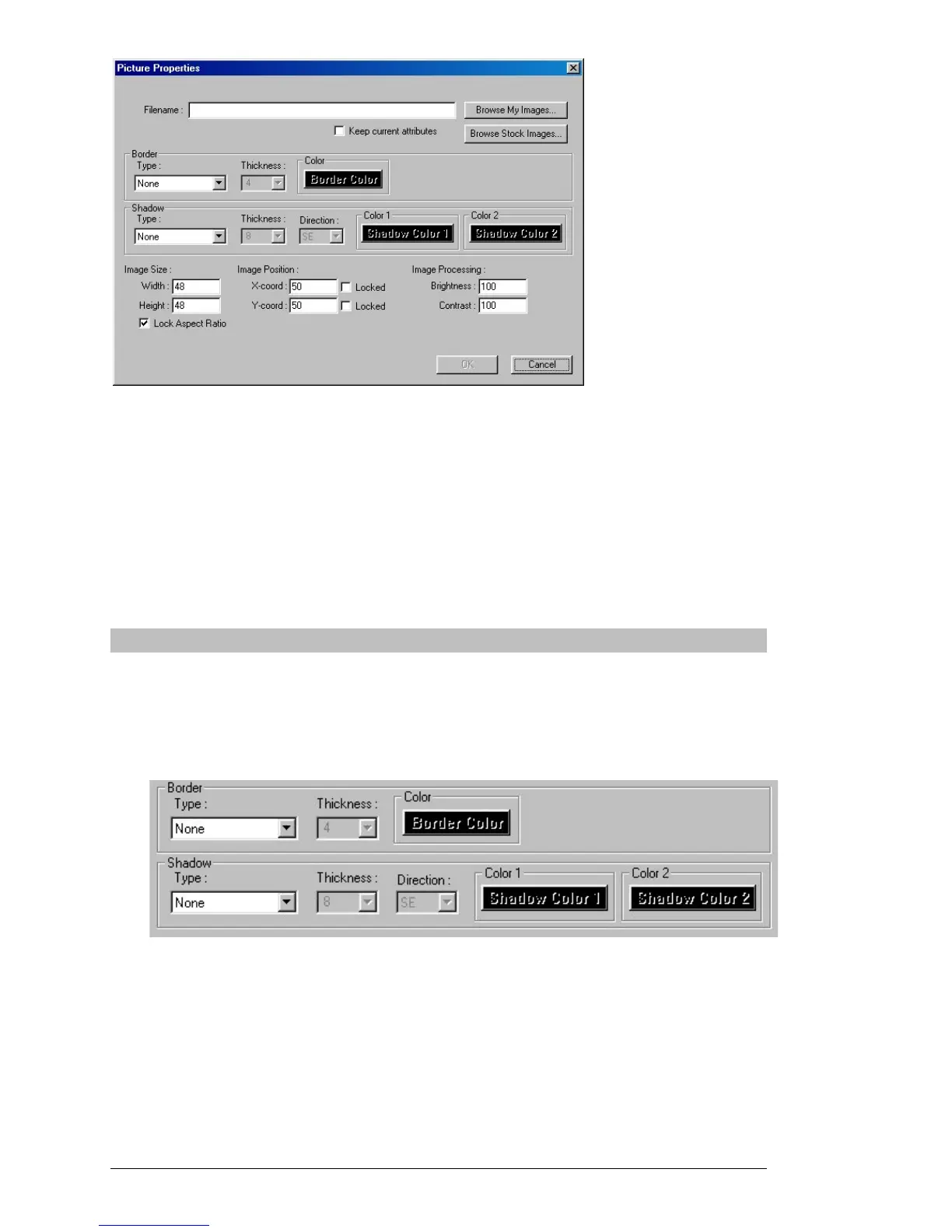
Initially, the “Filename” field will be blank. To select an image file,
simply click on “Browse My Images” or “Browse Stock Images” and
select the file you want to display on your page, then click on OK to
return to the page editor. You can drag your image object around on the
page to where you want it, and resize it by dragging the corners of the
image.
Additional features of the Picture Properties dialog are described below:
Border and Shadow
Just as with text objects, image objects can have a border
(outline) and a shadow. Use the controls in the Picture
Properties dialog to select a border type, thickness and color,
and/or a shadow type, thickness, direction, and color(s).



 To Next Page