38 EN38 EN
6
Use [K / L] to select the item and
switch the setting for each item you
want to set, then press [OK].
• When “User Setting” is set to “ON”, you can set
the following items. CC style set by “User
Setting” will be displayed.
• The setting description for each item is shown
below.
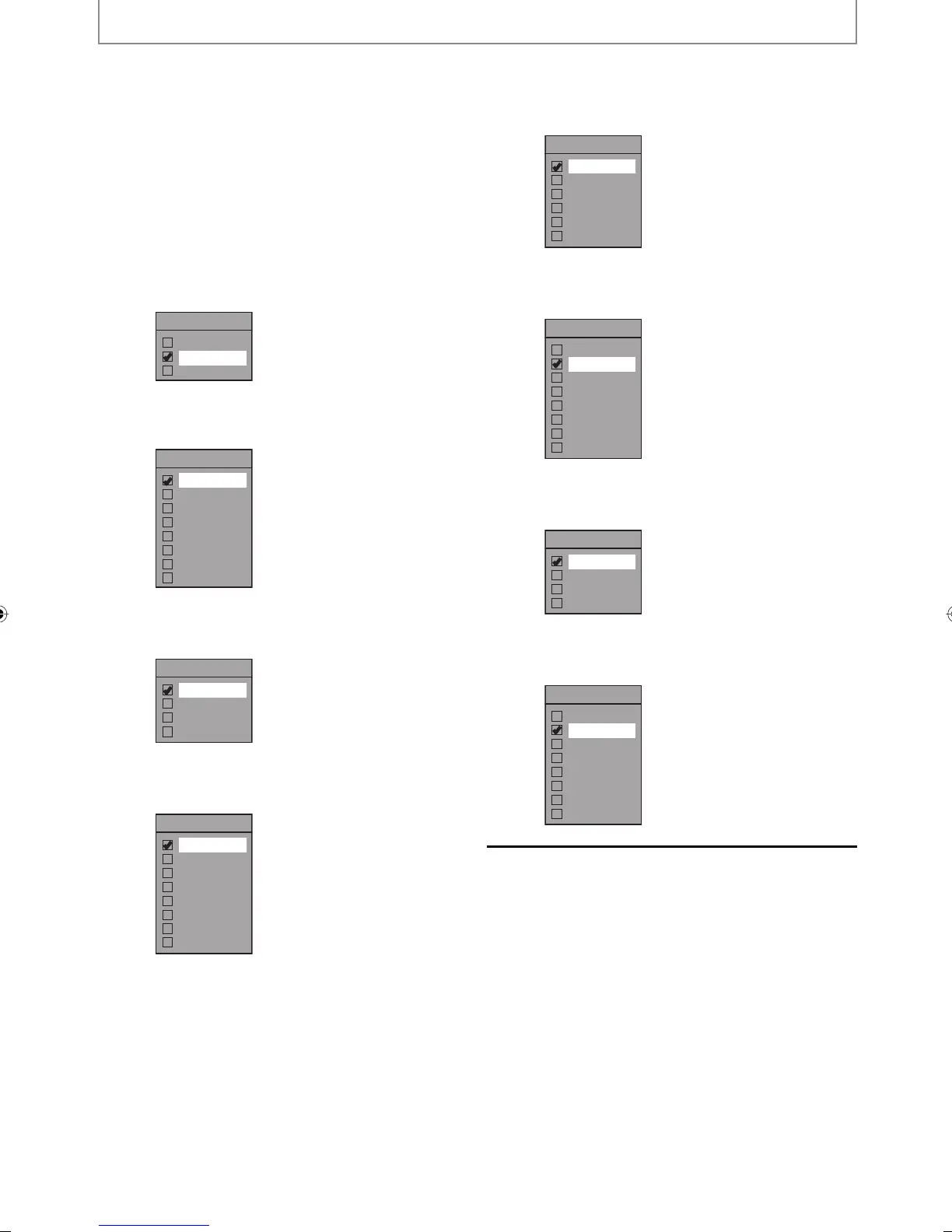
<Font Size>
Font size of the displayed caption can be
switched as below.
Font Size
Large
Middle
Small
<Font Style>
Font style of the displayed caption can be
switched as below.
Font Style
Style1
Style2
Style3
Style4
Style5
Style6
Style7
Style8
<Font Opacity>
Font opacity of the displayed caption can be
switched as below.
Font Opacity
Solid
Transparent
Translucent
Flash
<Font Color>
Font color of the displayed caption can be
switched as below.
Font Color
White
Black
Red
Green
Blue
Yellow
Magenta
Cyan
<Edge Type>
Edge type of the displayed caption can be
switched as below.
Edge Type
None
Raised
Depressed
Uniform
L.Shadow
R.Shadow
<Edge Color>
Edge color of the displayed caption can be
switched as below.
Edge Color
White
Black
Red
Green
Blue
Yellow
Magenta
Cyan
<Back Opacity>
Background opacity of the displayed caption can
be switched as below.
Back Opacity
Solid
Transparent
Translucent
Flash
<Back Color>
Background color of the displayed caption can
be switched as below.
Back Color
White
Black
Red
Green
Blue
Yellow
Magenta
Cyan
7
Press [SETUP] to exit.
TUNER SETTINGS
E2M01UD_H2160MW9_EN.indd 38E2M01UD_H2160MW9_EN.indd 38 2008/04/15 19:57:562008/04/15 19:57:56


 To Next Page
 Loading...