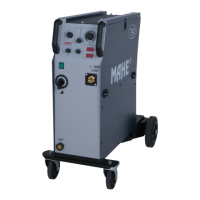
MMS 2000P
MMS 2400
MMS 3000 17
4.2.10. JOB Mode
Change from synergic mode to JOB mode
is made by short press of the
JOB button . After entered the Job mode, number of actual job is shown in the Material
thickness / JOB window.
There are 99 jobs available: J00 – J99. By Turning main encoder can
be chosen required job number.While in JOB mode, there are no set
up and adjustments available except the JOB number and welding
mode. If adjustment is required, JOB editing must be activated – see
following section
To quit from JOB mode press JOB button
again.
4.2.11. Editing / saving the JOB
While working in synergic mode , by long pressing the JOB button
actual set up
can be stored. After long pressing of JOB button, number of job starts to flash. This number
can be changed by encoder rotation. If desired job number is set by pressing the encoder
button, actual set up is saved under this job number.
To edit actual job, set job number to change, by long pressing the JOB button
the
material thickness start to flesh and any change of any parameter can be made. After
changes are made, by short press of encoder button will be stored.


 To Next Page