Operating Instructions
42
SNR to Pass: defines the minimum SNR required for that frequency to be considered a passing
frequency. SNR to Pass is adjustable between 3 and 10 dB
Minimum DP: defines the minimum DPOAE (signal) amplitude required for that frequency to be
considered a passing frequency. Minimum DP is adjustable between -20 and 0 dB SPL. If the user does
not wish to use minimum amplitude as part of the Pass criterion, n/a can be selected for this parameter
and/or the instrument setting for
DP Minimums
can be set to
off
.
Note: when creating or modifying a protocol, the desired setting can be established for the first test
frequency (top row) and then applied to all frequencies by clicking the
Apply Values to All Frequencies
button.
C
reating or Modifying TEOAE Protocols
To create a new protocol file, click the
Create New
button located on the right panel of the protocol
window. A new dialog will appear, select
TEOAE Protocol
.
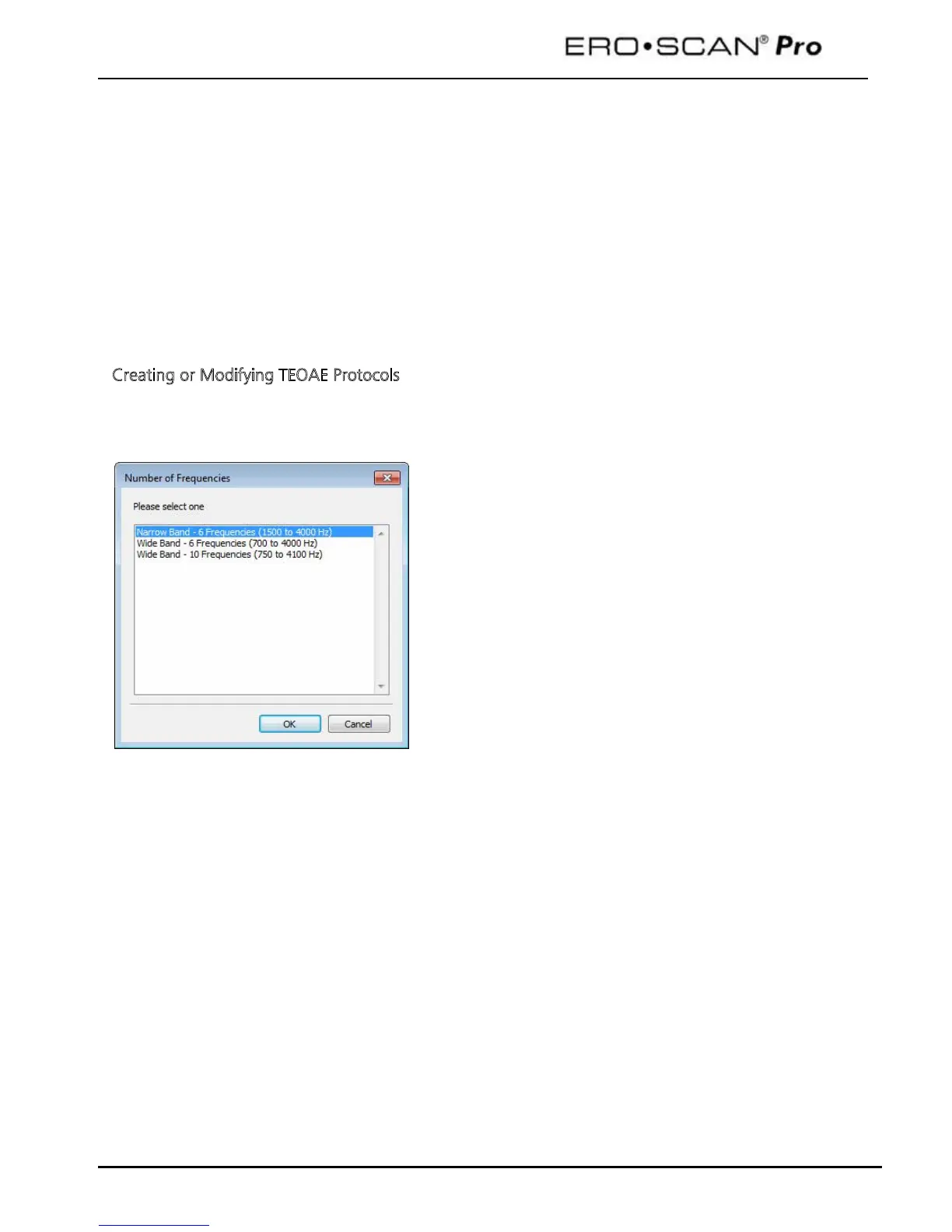
The selection window shown below will appear.
There are three frequency range options when
new TEOAE protocol.
Narrow Band –
6 frequencies (1500 to 4000 Hz) which
includes: 1500, 2000, 2500, 3000, 3500, and 4000 Hz
Wide Band – 6 Frequencies (700-4000 Hz) which includes:
700, 1000, 1400, 2000, 2800, and 4000 Hz
Wide Band – 10 Frequencies (750-4100 Hz) which includes:
750, 1100, 1500, 1900, 2250, 2600, 3000, 3400, 3750,
and 4100 Hz
Note: all TEOAE test frequencies refer to the center of the
frequency band or filter.



 To Next Page
 Loading...








